
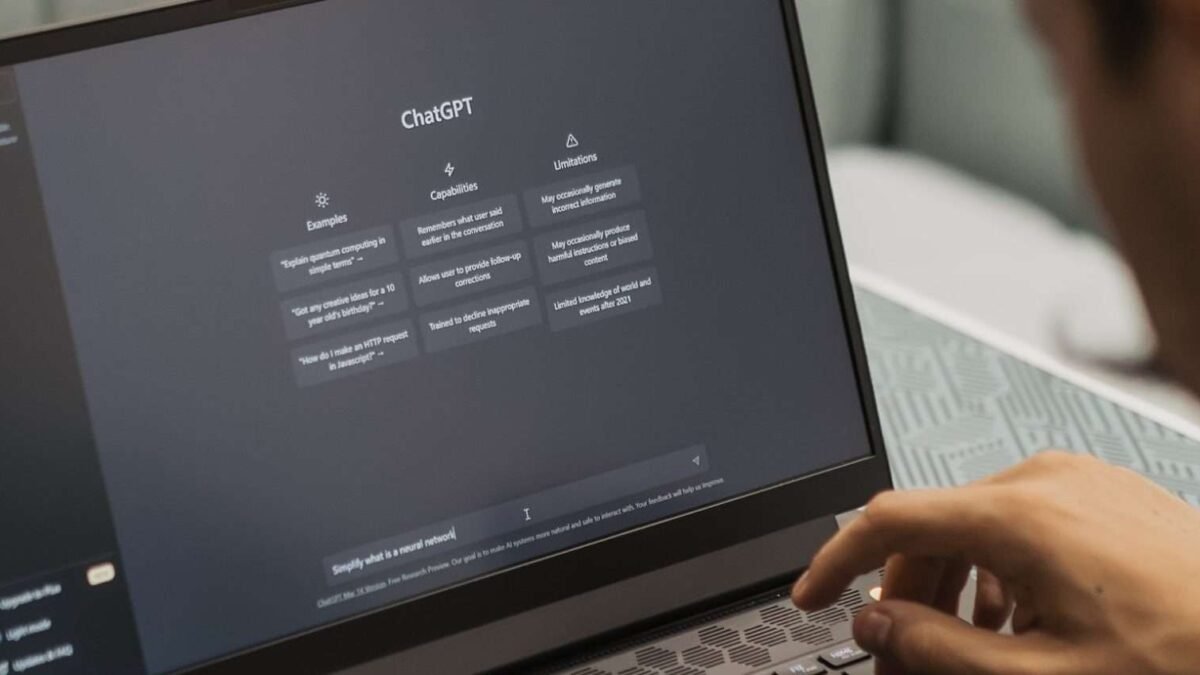
Two people ask ChatGPT the same question. One gets gold; the other gets mush. The difference isn’t luck — it’s prompting. How to get better answers from ChatGPT? It’s a learnable skill, and the fundamentals take about ten minutes to grasp. Everything below is battle-tested, not theory.
How to get better answers from ChatGPT
The core principle: it’s a brilliant intern, not a mind reader
ChatGPT has vast knowledge and zero context about your situation until you provide it. Every vague prompt gets a vague answer — not because the AI is dumb, but because vague questions have many possible good answers and it has to guess which you meant. The entire art of prompting is removing the need to guess. Give it what a smart human helper would need: background, goal, constraints, format, examples.
The techniques, ranked by impact
1. Provide context (biggest lever)
Bad: “Write a marketing email.” Good: “Write a marketing email for our project management SaaS targeting marketing agency owners (10-50 people). We’re launching a time-tracking feature. Tone: confident but not hype-y. Goal: get them to book a demo. Keep it under 150 words.” The second version gives the AI everything a copywriter would need. Context is the difference between generic and useful — always the first thing to add when answers disappoint.
2. Specify the format
“Give me the pros and cons as a table with a one-sentence verdict.” “Explain in 3 bullet points a 12-year-old would understand.” “Structure as: problem, three options with trade-offs, your recommendation.” Format instructions massively improve usability of the output. People underestimate this — the same content in the right format is 10x more useful.
3. Give examples (few-shot prompting)
Show, don’t just tell. “Here are two headlines I like: [examples]. Write five more in this style.” Examples calibrate tone, format, and quality bar faster than any description. This is the single most underused technique — it works for writing, coding style, analysis formats, everything.
4. Assign a role
“Act as a skeptical CFO reviewing this proposal” or “You’re a patient coding tutor.” Roles focus the AI’s vast knowledge on the relevant slice and set the right stance. Don’t overthink the role description — one clear sentence beats a paragraph of persona.
5. Iterate conversationally
The first answer is a draft, not a verdict. “Good start — make it shorter, punchier, and add a concrete example.” “Now argue against what you just said.” Each round sharpens the output. Beginners treat ChatGPT as a vending machine (one prompt, accept result); pros treat it as a collaborator (draft, critique, refine). The OpenAI prompt engineering guide formalizes these patterns if you want the official version.
6. Ask it to ask you questions
“Before answering, ask me any clarifying questions you need.” This flips the dynamic — instead of guessing your context, the AI extracts it. Brilliant for complex tasks where you don’t know what’s relevant.
7. Request reasoning transparency
“Think through this step by step” or “show your reasoning.” For analytical tasks, this improves accuracy measurably — the AI catches its own errors mid-reasoning. (Don’t use it for creative tasks where you want spontaneity, not deliberation.)
Common prompting mistakes
- The one-word prompt: “Marketing ideas.” The AI guesses everything. Add context.
- Accepting the first draft: Always iterate at least once. The second version is usually much better.
- No constraints: Without length, tone, or format guidance, you get the AI’s defaults — which are verbose and generic.
- Trusting without verifying: Better prompts produce more confident-sounding answers, which makes verification more important, not less. Check facts, always.
- Over-engineering: The 500-word mega-prompt with seventeen instructions often performs worse than a clear paragraph. Complexity isn’t sophistication.
Level up: persistent setup
For recurring needs, stop re-typing context. Custom instructions in ChatGPT let you set permanent background (“I’m a high school biology teacher; explain things with classroom-ready examples”). For project work, save your best prompts as templates. The pros don’t prompt better in the moment — they’ve built systems so they don’t have to.
The meta-skill
The power-user’s prompt library
After a month of deliberate practice, you’ll notice patterns — the same kinds of requests recurring. That’s your prompt library waiting to be built. Keep a document of your best prompts: the ones that produced great results, annotated with what made them work (the context you included, the format you specified). Categorize by task: writing, analysis, coding, planning, learning. Refine the winners over time. Within months you’ll have 20-30 battle-tested prompts that make every session faster — and you’ll have accidentally become the person others ask for prompting help. The library is also portable: it transfers across AI services, surviving platform switches and model upgrades. Your prompts are an asset; treat them like one.
Here’s what experienced users know: prompting is thinking. The discipline of specifying what you want — context, format, examples, criteria — clarifies your own thinking before the AI even responds. Half the time, writing a good prompt reveals the answer was obvious. That’s not a bug; it’s the feature. Start with ChatGPT for beginners if you’re new, compare with ChatGPT vs Google to pick the right tool, and check the OpenAI help center when features confuse you. Better inputs, better outputs — it’s that simple, and that hard.




2 Comments