
Midjourney can produce breathtaking images — or muddy disappointments. The difference is almost always the prompt. Learning how to write prompts for Midjourney is the highest-leverage skill for getting gallery-worthy results instead of generic mush. Here’s the complete guide.
Anatomy of a Great Midjourney Prompt
A strong prompt has layers, roughly in this order:
[Subject] + [Action/Context] + [Environment] + [Style/Medium] + [Lighting] + [Details] + [Parameters]
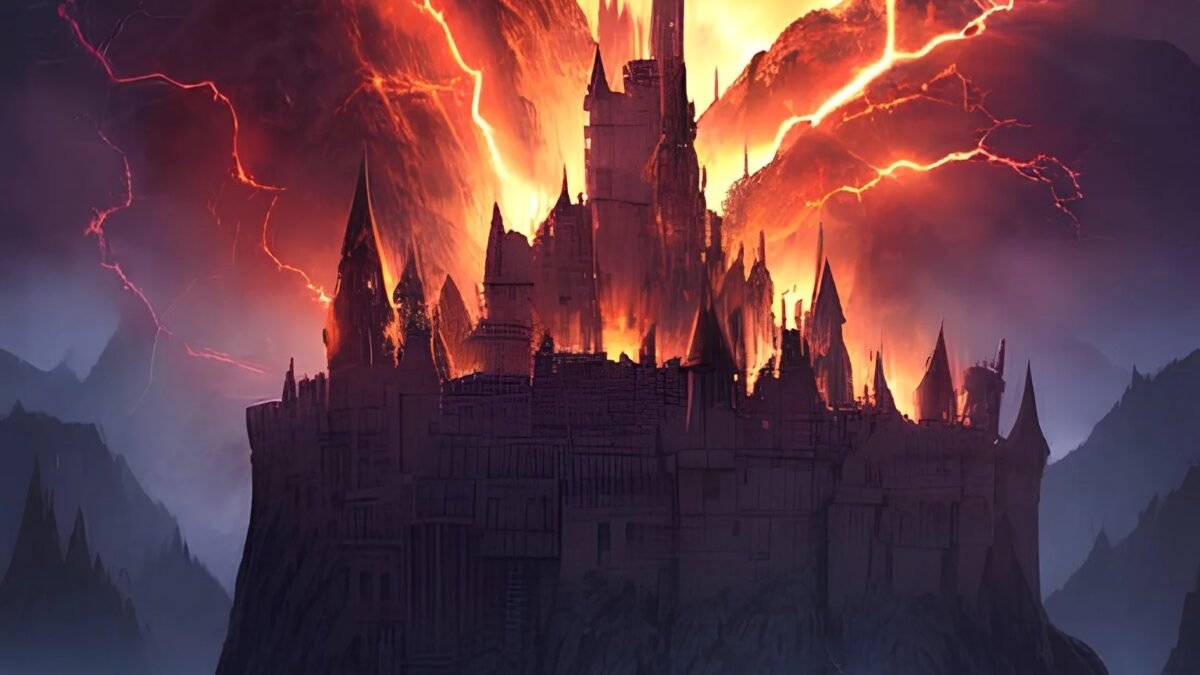
Weak: “a castle”
Strong: “a medieval stone castle on a cliff at dawn, waves crashing below, mist rolling through the towers, epic fantasy matte painting, dramatic golden-hour lighting, intricate detail, –ar 16:9 –v 6.1”
See the difference? The strong version gives Midjourney decisions already made — subject, setting, mood, style, lighting, composition. Every vague prompt forces the AI to guess, and guesses average out to boring.
The Building Blocks, Explained
Subject: Be Concrete
“A woman” is weak. “An elderly fisherwoman with weathered hands mending a net” is strong. Specific nouns beat abstract ones — Midjourney renders concrete details far better than concepts.
Style and Medium Words
These do enormous work. Try: photorealistic, cinematic still, oil painting, watercolor, ukiyo-e, cyberpunk, art deco poster, editorial photography, 3D render, charcoal sketch, Wes Anderson symmetry. One or two style words reshape the entire image.
Lighting and Mood
“Golden hour,” “neon-lit,” “soft diffused window light,” “dramatic chiaroscuro,” “bioluminescent glow.” Lighting words are the cheat code for atmosphere — they change the emotional register of the image more than almost anything else.
Composition and Camera
“Wide-angle establishing shot,” “extreme close-up,” “aerial view,” “shallow depth of field,” “rule of thirds.” Photography vocabulary translates directly.
Essential Parameters
- –ar 16:9 — aspect ratio (also 1:1, 9:16 for phones, 3:2…).
- –v 6.1 — model version. Newer is usually better; check Midjourney’s announcements.
- –style raw — less “Midjourney-beautified,” more literal to your prompt. Great for photography.
- –chaos 0-100 — higher = more unexpected variations. Low for control, high for exploration.
- –stylize / –s 0-1000 — how much Midjourney’s aesthetic taste overrides your prompt. Lower = more literal.
- –no [thing] — negative prompt: “–no text, watermark, blurry” avoids common flaws. (See negative prompts explained.)
Copy-Paste Examples to Learn From
- “Cozy cabin interior at night, fireplace glowing, snow falling outside huge windows, warm lamp light, hygge aesthetic, interior design photography, –ar 16:9”
- “Portrait of a cyberpunk street vendor in Neo-Tokyo rain, neon reflections on wet asphalt, cinematic, shallow depth of field, –ar 2:3 –style raw”
- “Minimalist logo of a mountain and wave combined, single line art, vector style, black on white, –no text –ar 1:1”
- “Ancient library with towering bookshelves fading into darkness, floating dust in god rays, fantasy concept art, intricate detail –ar 21:9”
Run these, then change one element at a time to learn what each part does. That’s the fastest way to build intuition.
Common Mistakes
- Too many concepts: “a dragon and a castle and a knight and a sunset and…” — pick one hero subject.
- Contradictory styles: “photorealistic oil painting watercolor” confuses the model. Commit to one.
- Forgetting –no text: Midjourney still mangles text in images. Exclude it unless you want gibberish signage.
- Not iterating: pros generate, pick the best, vary it, upscale. One-shot prompting wastes the tool’s strength.
Style Reference: –sref and Character Consistency
Two power features for serious Midjourney users:
- Style reference (–sref): point Midjourney at an image URL and it adopts that image’s aesthetic. “Make new images in this style” — incredible for brand consistency or series work. Pair with
--sw(style weight) to control intensity. - Character reference (–cref): keep the same character consistent across images — essential for comics, stories, branding mascots. Provide a clear reference image of the character.
- Omni-reference: newer versions blend style and character references. Check current docs — this space evolves fast.
Midjourney for Specific Use Cases
- Book covers: “book cover art, [genre], dramatic, title space at top, –ar 5:8 –no text” then add typography yourself. (Full guide: AI book covers.)
- Marketing visuals: consistent style via –sref across a campaign. “Product photography” style prompts for mockups.
- Concept art: rapid iteration is the superpower — generate 20 variations of a game character in an hour.
- Textures and backgrounds: “seamless pattern,” “subtle gradient background” — the unglamorous workhorse uses.
When Midjourney Isn’t the Answer
- Precise text in images: still unreliable. Use Canva/Photoshop for typography.
- Exact real people: don’t — likeness issues and ethical concerns.
- Technical diagrams: AI image models mangle precision. Draw these properly.
- Photorealistic product shots for ads: close, but real photography still wins for hero commercial imagery.
Know the tool’s edges and you’ll never be disappointed by them. For the universal principles behind all of this, see good prompts for AI image generation.
Bottom Line
How to write prompts for Midjourney: concrete subject + setting + style words + lighting + composition + the right parameters. Be decisive — every detail you specify is a guess the AI doesn’t have to make. Start with the examples above, change one variable at a time, and you’ll develop an eye for it within a week. For general image prompting principles, see good prompts for AI image generation.
Official docs: Midjourney documentation.



