
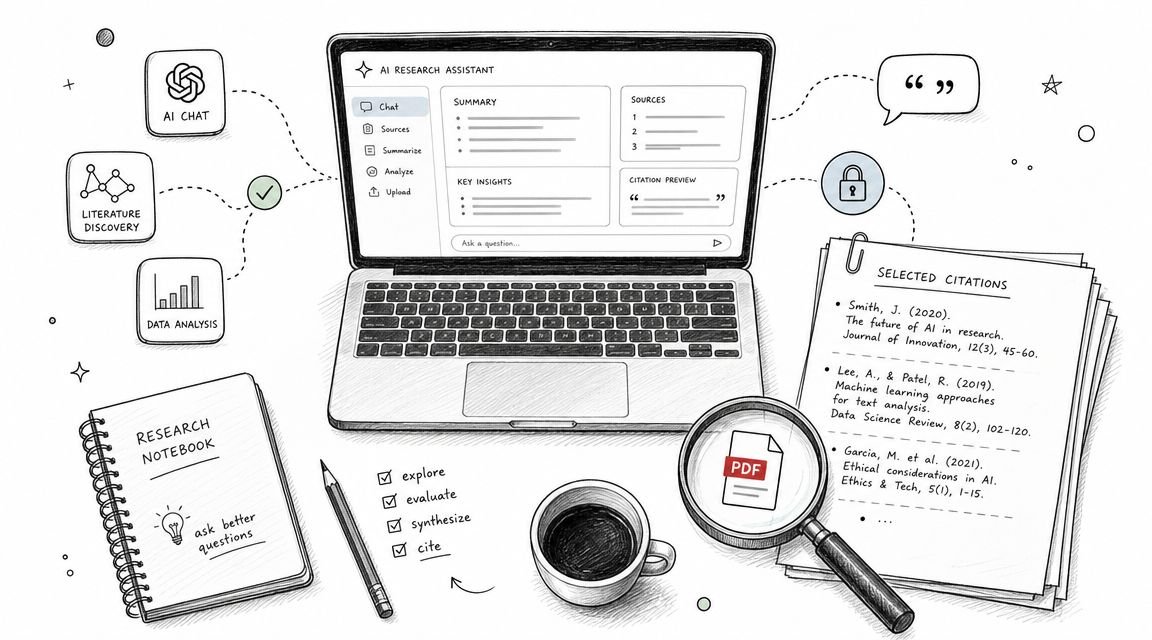
What is NotebookLM and how do students use it? NotebookLM is Google’s AI-powered research and note-taking tool, and it’s become one of the most genuinely useful AI apps for students — not because of hype, but because it does one thing really well: it answers questions only from the sources you give it. Upload your lecture slides, textbook PDFs, and notes, and it becomes a tutor that can’t hallucinate from the open internet, because it’s grounded in your materials.
What NotebookLM Actually Does
At its core, NotebookLM is simple. You create a notebook, upload sources (PDFs, Google Docs, pasted text, links, even YouTube videos), and then chat with an AI about those sources. Every answer includes citations pointing to the exact passage it came from. Click the citation and you’re looking at your own document.
The standout feature is the audio overview: it generates a podcast-style conversation between two AI hosts discussing your sources. Students I know listen to these while commuting, and it’s surprisingly effective for review — hearing concepts explained conversationally sticks differently than re-reading.
How Students Use NotebookLM Day to Day
Exam prep
Upload the semester’s slides and readings, then ask: “What are the key themes across all lectures?” or “Quiz me on chapter 5 with 10 questions, one at a time.” Because answers are cited, you can verify everything against the source — no mystery facts.
Essay research
Drop in your sources for a paper and ask it to compare arguments across them, or to find every passage relevant to your thesis. It’s like having a research assistant who has actually read everything. For drafting help afterward, our guide on summarizing textbook chapters with AI pairs well with this workflow.
Understanding dense readings
Stuck on a difficult journal article? Ask NotebookLM to explain it section by section, or to define every technical term in plain language. It’s patient in a way office hours sometimes aren’t.
What It Can’t Do
NotebookLM is deliberately limited, and that’s the point — but know the edges:
- It only knows your sources. If your sources are wrong or incomplete, its answers will be too. It won’t fill gaps with general knowledge.
- It’s not a writer. It summarizes and answers; it won’t draft your essay for you (and that’s a feature, not a bug, given how universities treat AI-written work — see how universities detect AI-written assignments).
- Source quality is everything. Uploading random web pages gives you random-quality answers. Curate what goes in.
Is It Free?
The core version of NotebookLM is free with a Google account, which is honestly remarkable for what it does. Google also offers a Plus tier with higher limits for heavy users. For most students, the free tier handles a full semester’s materials without breaking a sweat.
NotebookLM vs. a Regular Chatbot: Why Grounding Matters
You might wonder why not just paste your readings into ChatGPT or Claude. You can — and for quick questions it’s fine. But there are two differences that matter for serious studying:
- Citations you can click. NotebookLM shows you exactly which passage each claim came from. A general chatbot gives you a confident answer with no trail back to your textbook, which means you can’t verify it during exam prep.
- No outside knowledge leaking in. General chatbots blend your document with everything they were trained on. That’s helpful for explanations, but it also means subtle errors — a definition that’s almost what your professor taught but not quite. NotebookLM stays inside your sources, so what you study matches what you’ll be tested on.
My take: use a general chatbot when you’re confused and need a fresh explanation, and NotebookLM when you’re reviewing and need answers you can trust against the course material. They complement each other.
Getting Started in Ten Minutes
If you want to try it right now, here’s the fastest path to value:
- Go to the NotebookLM site and sign in with your Google account.
- Create a new notebook and upload one week’s worth of lecture slides plus your class notes.
- Ask: “Give me a 10-question quiz on these sources, one question at a time, and tell me whether each answer is right before moving on.”
- After the quiz, ask: “What topics did I struggle with most, and what should I review?”
That single session will tell you more about your exam readiness than an hour of re-reading. From there, keep adding sources as the semester progresses and your notebook becomes more useful every week.
The Takeaway
NotebookLM earns its reputation because it solves the exact problem students have with AI: trust. By grounding every answer in your own sources with clickable citations, it turns a chatbot into a study tool you can actually rely on. Upload your course materials, ask it hard questions, and let the audio overviews handle your commute review. You can learn more at the official NotebookLM site.



