
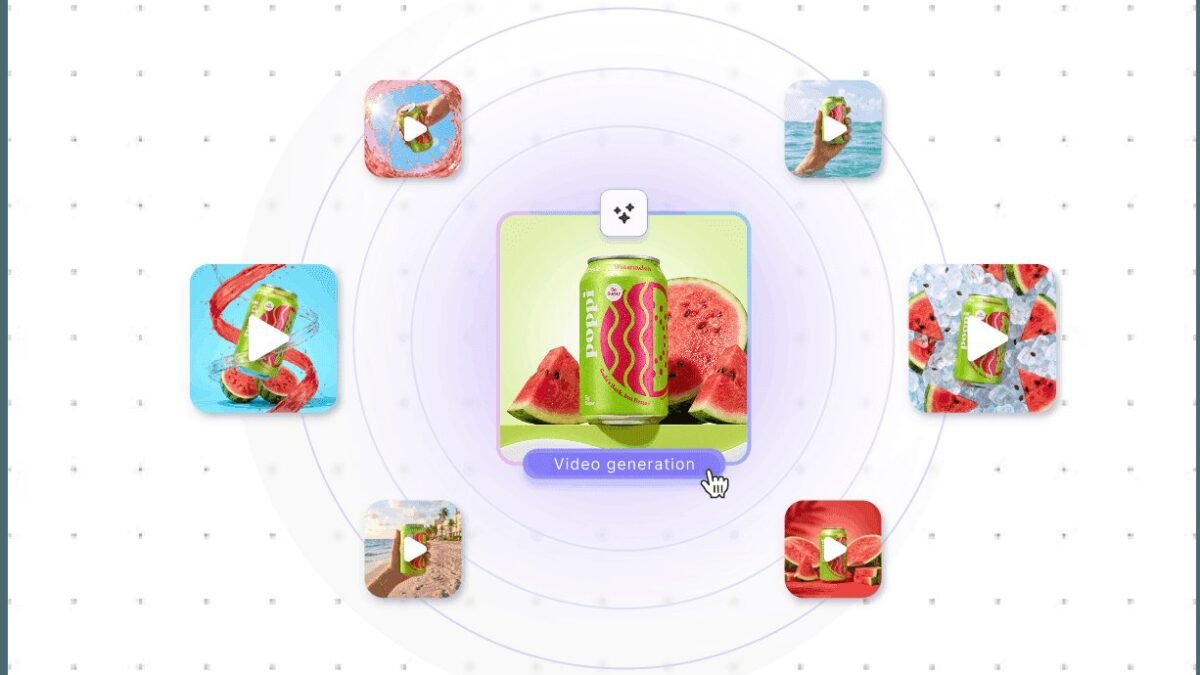
Product demo videos used to mean hiring a crew, booking a studio, and spending thousands. Now you can learn how to create product demo videos with AI and ship a polished demo in an afternoon — script, voiceover, visuals, and captions all generated. I’ve done this for software and physical products, and the workflow is genuinely production-ready.
How to Create Product Demo Videos with AI
Demos are formulaic in the best way: hook, problem, solution walkthrough, features, call to action. AI tools handle each piece. The result won’t win film festivals, but for SaaS onboarding, e-commerce listings, and ad creatives, AI demos convert just as well as traditionally shot ones — at a tenth of the cost and a twentieth of the time.
The AI demo workflow, step by step
1. Script it with AI
Start with a script that keeps viewers watching — feed your product’s features into ChatGPT or Claude and ask for a 60–90 second demo script with timestamps. Be specific about your audience and the one action you want them to take. The first draft is usually 70% there; you refine the product details.
2. Generate the voiceover
AI voiceovers from ElevenLabs or similar tools now sound convincingly human for narration. Pick a voice that fits your brand, paste the script, and generate. Pro tip: generate in short chunks — it’s easier to fix one mispronounced word than re-render three minutes.
3. Create or capture the visuals
You have three options, and the best demos mix them:
- Screen recordings for software — record the real product, then let AI clean up the cursor, zoom on clicks, and add captions.
- AI avatars for presenter-style demos — tools like HeyGen or Synthesia turn your script into a talking-head presenter without a camera.
- AI-generated b-roll — product shots, lifestyle scenes, and motion graphics from tools like Runway or Pika fill gaps where you have no footage.
4. Edit with AI assistance
Tools like Descript let you edit video by editing text — delete a sentence from the transcript and the video cut follows. Auto-captions, silence removal, and filler-word cleanup happen in one click. What used to be a day of editing is now an hour of review.
What makes a demo actually convert
Tooling aside, the demos that work follow the same rules as always: lead with the outcome, not the features (“cut invoicing time in half” beats “we have 40 integrations”). Keep it under 90 seconds for ads and landing pages. Show the product doing the thing — AI-generated visuals should support real product footage, not replace it entirely, or viewers smell the fake.
And be honest about AI involvement where it matters. If the demo shows the product’s actual interface, say so. Trust converts; trickery backfires when the trial doesn’t match the video.
Cost and time reality check
A solid AI demo costs roughly $20–50 in tool subscriptions/credits and 3–6 hours of your time, versus $3,000–10,000+ for a production company. The quality gap has narrowed enough that for most marketing uses, the AI version wins on ROI.
Advanced tactics for demos that stand out
Once you’ve got the basic AI demo workflow down, these are the upgrades that separate forgettable demos from ones that convert. Personalize the demo — tools now let you generate customized demo variations per prospect (their company name in the UI mockup, their industry in the examples). Personalized demos convert dramatically better than generic ones, and AI makes personalization cheap. A/B test your hooks — generate three different opening 10-second sequences and run them as ad variants; let data pick the winner instead of your gut.
Localize from day one. If you sell internationally, generate dubbed versions in your top markets using AI dubbing — the marginal cost is tiny and the reach multiplication is real. And build a demo library, not one demo: a 90-second overview, a 30-second ad cut, a 3-minute deep dive, and vertical cuts for social. Generate once, reformat infinitely.
Measuring demo performance
A demo is marketing — measure it like marketing. Track view-through rate (where do people drop off?), click-through to signup, and ultimately trial-to-paid conversion for viewers vs. non-viewers. HeyGen’s analytics and your video host’s stats will show you exactly which scenes lose people — then regenerate just those scenes. The beautiful thing about AI demos: iteration is cheap, so you can optimize relentlessly instead of living with version one forever.
This week’s action plan: ship your first AI demo
Here’s your concrete assignment for this week. Day 1: write the script — 150 words max, outcome-first, one call to action. Read it aloud; if it takes more than 60 seconds, cut it. Day 2: generate the voiceover in 3–4 chunks and pick your favorite takes. Day 3: gather visuals — screen-record the product, generate 2–3 AI b-roll clips for the intro and transitions. Day 4: assemble in Descript or CapCut, add captions, mix in music at low volume. Day 5: show it to three people in your target audience and watch their faces — not their polite feedback, their faces.
The goal isn’t perfection; it’s a finished demo and real feedback. Version one teaches you more than a month of planning. Most people overthink the tools and underthink the message — flip that. If the script is strong, even a rough AI demo converts; if the script is weak, no amount of polish saves it. Ship it, learn, iterate.
Practical takeaway
- Script with AI, voice with ElevenLabs-style TTS, visuals from screen recordings + AI avatars + generated b-roll.
- Edit in Descript or similar — text-based editing is the real time-saver.
- Lead with outcomes, keep it under 90 seconds, show the real product.
- Total cost: tens of dollars and an afternoon, not thousands and weeks.
Keep exploring
If you found this useful, these related guides go deeper:



