
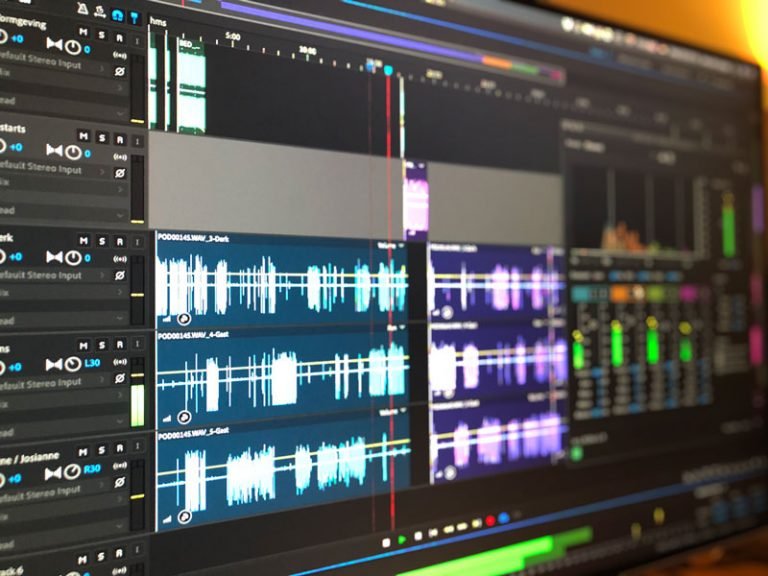
Editing a podcast takes 3-5x the recording time. An hour-long episode means an afternoon of cutting ums, leveling audio, removing silences, and writing show notes. What is the best AI podcast editing tool in 2026? I’ve edited real episodes with all the major AI editors, and the time savings are real — but the tools differ enormously in what they automate and how much control they leave you. Here’s the tested ranking.
What AI Podcast Editing Automates
- Filler word removal: um, uh, you know, like — across the whole episode in one click.
- Silence trimming: awkward pauses tightened automatically, with adjustable sensitivity.
- Audio enhancement: noise removal, leveling, de-essing — “studio sound” from a bedroom recording.
- Transcription: full searchable transcripts for show notes and clips.
- Clip finding: AI identifying shareable moments for social promotion.
- Show notes: auto-generated summaries, chapters, and timestamps.
The Best AI Podcast Editing Tools
1. Descript — Best Overall
Descript remains the category definer: edit audio by editing text. Delete a sentence from the transcript, it’s gone from the audio. The filler-word removal is surgical, Studio Sound enhancement is remarkable (bad mic → good mic), and Overdub (AI voice cloning for fixing flubbed words) is genuinely useful. The workflow — record, transcribe, edit text, publish — collapses hours into minutes. If you edit speech-driven content, start here.
2. Adobe Podcast (Enhance) — Best Audio Cleanup
Adobe’s free Enhance tool does one thing extraordinarily well: turning bad recordings into clean audio. Phone-recorded interview in a noisy café? Enhance makes it broadcast-usable. It’s not a full editor — it’s a miracle button for audio quality. Every podcaster should bookmark it.
3. Riverside — Best Recording + Editing Combo
Riverside records remote interviews in studio quality (local recording, no Zoom compression) then offers AI editing: text-based edits, silence removal, clip generation. Best if your podcast involves remote guests — the recording quality advantage compounds with the editing tools.
4. Podcastle — Best All-in-One for Beginners
Recording, editing, enhancement, and publishing in one beginner-friendly platform. Less powerful than Descript at the high end, but the gentlest learning curve. Good first tool for new podcasters.
The Workflow That Saves the Most Time
- Record well. AI fixes a lot, but garbage-in still applies. Decent mic, quiet room.
- Enhance first. Run audio cleanup before editing — editing enhanced audio is easier.
- Text-edit the structure. Cut segments, reorder, remove tangents — in the transcript.
- Auto-remove fillers and silences. One click, then review.
- Human listen. Play through at 1.25x. AI misses context — a “mistake” it kept might be your best moment; a “clean” cut might butcher a joke’s timing.
- Generate show notes and clips. AI summaries, chapters, and social clips from the finished episode.
For the full podcaster toolkit: best AI tools for podcasters. For silence-specific tools: removing silences. Transcription tech: transcription accuracy.
What AI Gets Wrong (Review These)
- Comedic timing. AI trims pauses that were intentional — the beat before a punchline. Review cuts around jokes.
- Emotional moments. A shaky pause before something vulnerable isn’t dead air. Protect these.
- Crosstalk. Overlapping speech in lively conversations confuses AI editors. Manual fix.
- Over-enhancement. Too much noise removal creates artifacts. Less is more.
What Is the Best AI Podcast Editing Tool for Removing Filler Words?
Filler removal is the headline feature, but evaluate it critically: aggressive removal can make speech sound robotic. The best tools let you tune sensitivity — catching the obvious ums while preserving natural rhythm. Always listen to a full sample episode before committing to settings.
Beyond fillers: silence trimming (tighten pauses without making it breathless), loudness leveling across speakers, and text-based editing for cutting segments. Together these compress a two-hour edit into thirty minutes.
Keep a human pass for content judgment. AI cuts what is technically removable; you decide what is editorially removable — the tangent that is actually charming, the pause that creates emphasis. OpenAI’s transcription models power many podcast editing workflows.
Remote guests are the norm now: AI cleanup rescues mediocre guest audio — echo removal, leveling, noise reduction turn a laptop-mic guest into listenable audio. Send guests a simple setup guide (quiet room, phone mic close, no speakerphone) and let AI handle the rest. Good enough guest audio, consistently, beats perfect audio occasionally.
Publish on a schedule you can sustain for a year, not a month. Consistency beats intensity in podcasting — listeners subscribe to reliable shows. AI reduces production time; use the savings for longevity, not just volume.
The Bottom Line
What is the best AI podcast editing tool? Descript for the complete text-based editing workflow, Adobe Enhance for free audio miracles, Riverside for remote recording + editing, Podcastle for beginners. The pattern: AI handles the mechanical 80% (fillers, silences, levels, transcripts), you handle the creative 20% (pacing, judgment, the moments that matter). An episode that took 4 hours now takes 1 — and sounds better.



