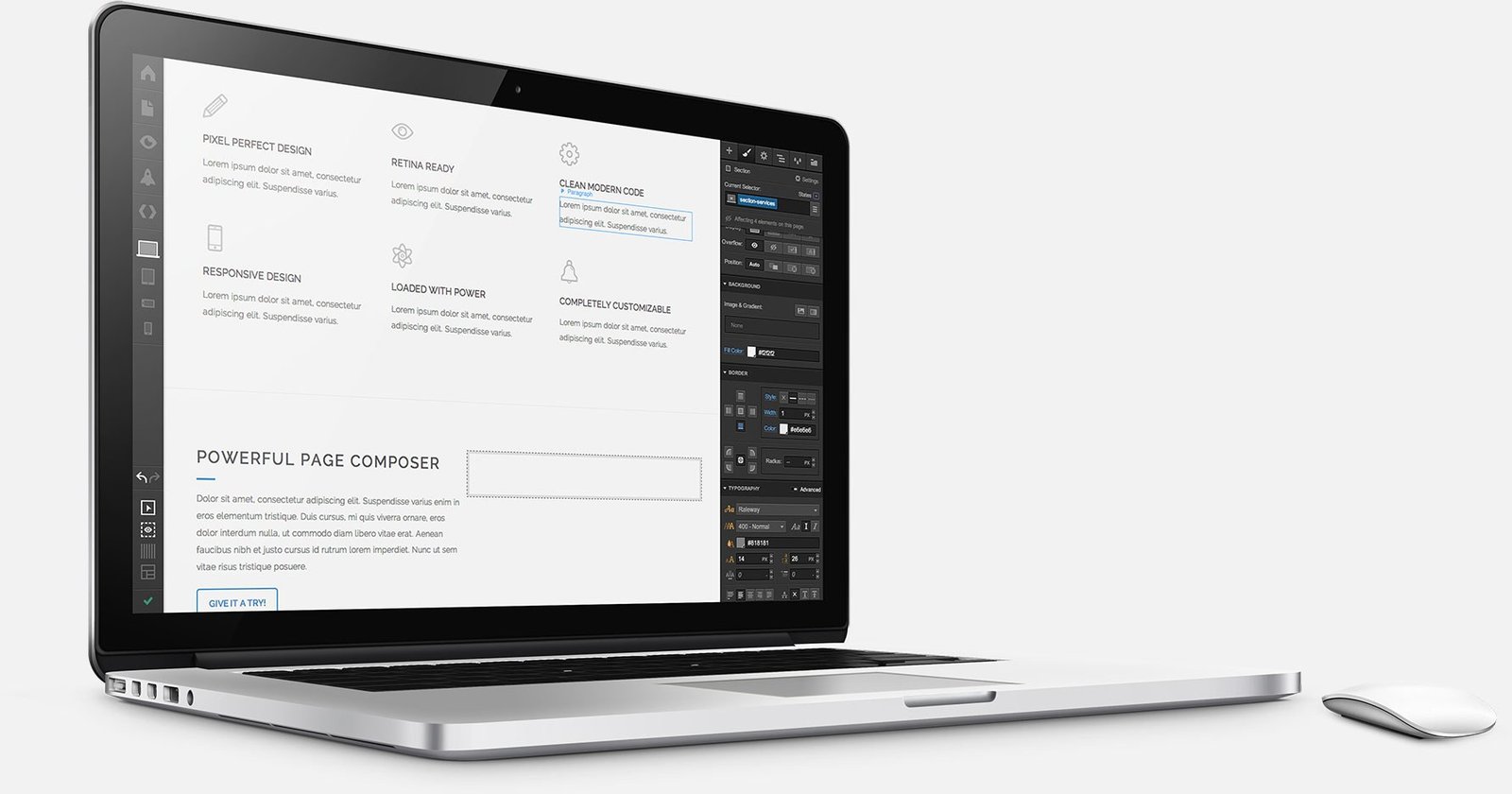
Best AI Website Builders: The 2026 Lineup
The first generation of AI website builders produced generic templates with robot-written copy. The 2026 generation is different: genuinely editable designs, real CMS functionality, e-commerce, SEO tooling, and code export for developers. We spent two weeks building real sites on each of the best AI website builders below — a portfolio, a local business site, and a small store — to see which ones produce something you’d proudly show a client. If you want the hands-on process, our guide on how to build a website with AI in under an hour walks through it step by step. For freelancers, small businesses, and side projects, the winners can now deliver in an afternoon what used to take a month.
We evaluated builders on design quality, editing flexibility after generation, SEO capabilities, e-commerce support, and whether you can leave (export/migrate) if you outgrow them.
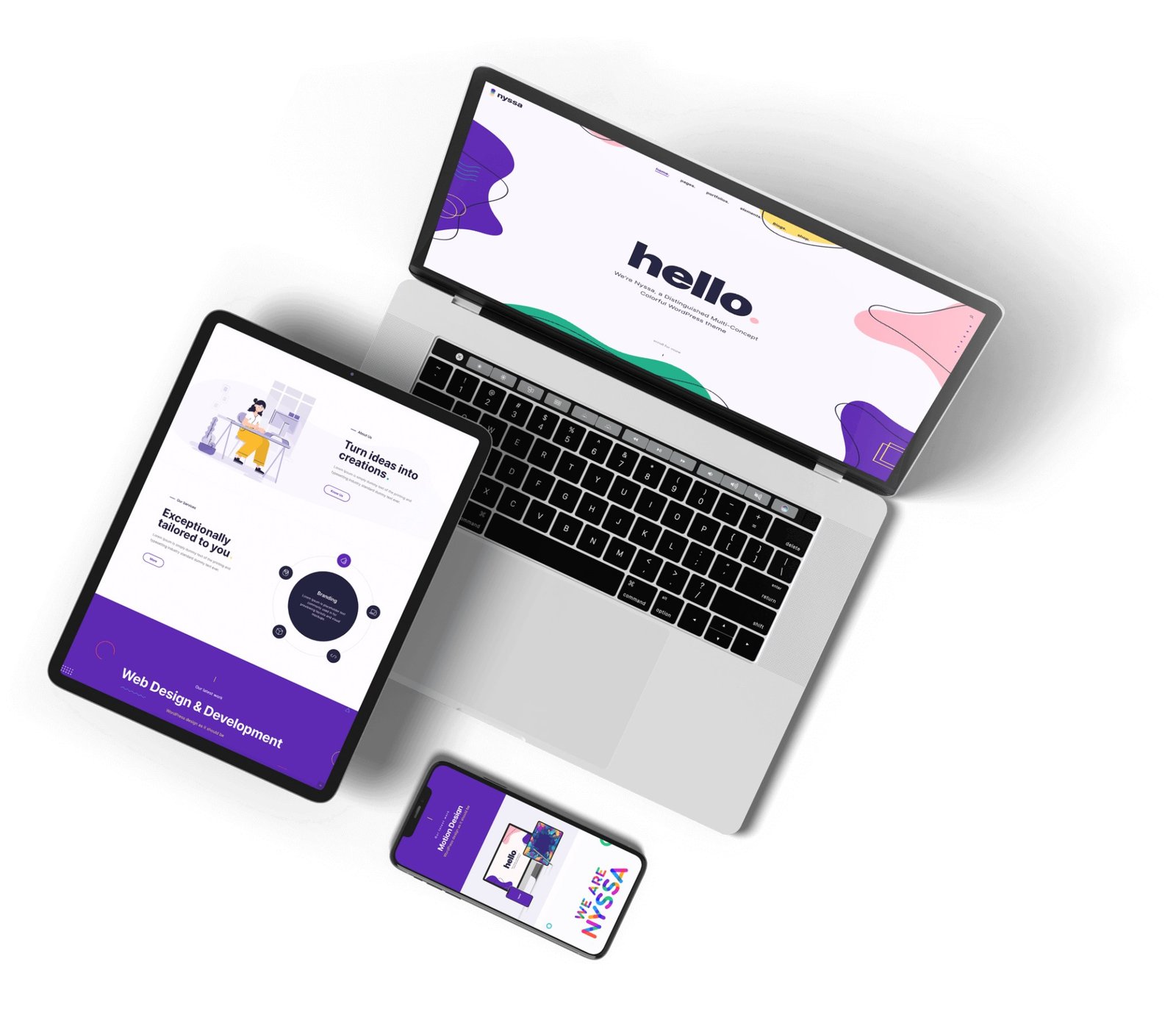
1. Wix ADI / Wix Studio AI — Best Overall
Wix’s AI site generator asks a few questions, then builds a complete multi-page site with tailored copy and imagery. What keeps Wix ahead is everything after generation: a mature editor, 900+ templates, solid SEO tools, e-commerce, bookings, and an app market. Wix Studio adds agency-grade responsive controls. It’s the safest all-round choice.
- Best for: Small businesses and freelancers wanting the full package
- Standout feature: Most complete post-generation editing ecosystem
- Pricing: Free tier; premium from $17/month — wix.com
2. Framer AI — Best Design Quality
Type a prompt and Framer generates a site that looks like a designer made it — genuinely modern layouts, good typography, smooth animations. Designers love it because the output is editable down to the CSS-like details, and publishing is instant. For portfolios, startups, and landing pages where aesthetics matter most, Framer wins.
- Best for: Portfolios, startups, design-forward landing pages
- Standout feature: Prompt-to-site output that actually looks designed
- Pricing: Free tier; paid from $10/month
3. Squarespace Blueprint AI — Best for Creatives and E-commerce Aesthetics
Squarespace’s AI builder leans on the platform’s famous template quality: generated sites inherit award-caliber design DNA. Combined with best-in-class blogging, scheduling, and elegant commerce, it’s the pick for photographers, restaurants, and boutiques where brand feel is the product.
- Best for: Creatives, restaurants, boutique e-commerce
- Standout feature: Generated sites with premium template aesthetics
- Pricing: From $16/month
4. Hostinger Website Builder (Zyro AI) — Best Budget Option
Hostinger pairs dirt-cheap hosting with a surprisingly capable AI builder: AI writer, AI image generator, AI heatmaps predicting visitor attention, and e-commerce. If cost is the constraint, nothing else delivers this much for under $3/month on a long plan.
- Best for: Budget projects, first sites, MVPs
- Standout feature: AI heatmap and SEO tools at bargain pricing
- Pricing: From ~$2.99/month
5. 10Web — Best AI WordPress Builder
10Web generates full WordPress sites with AI — including recreating any existing site from a URL — on top of Elementor. That matters because you keep WordPress’s plugin ecosystem and ownership model while skipping the blank-page problem. Agencies building client sites on WordPress get AI speed without platform lock-in.
- Best for: WordPress-based client work and agencies
- Standout feature: Recreate any website from a URL; full WordPress ownership
- Pricing: From $10/month
6. Durable — Best for Service Businesses (Fastest to Launch)
Durable’s famous claim — a website in 30 seconds — is real: answer a few questions about your service business and get a site with copy, images, contact form, and even invoicing and CRM. For plumbers, cleaners, consultants, and other local services, it’s the fastest path from “no website” to “bookable online.”
- Best for: Local service businesses
- Standout feature: Built-in CRM, invoicing, and AI marketing
- Pricing: From $15/month
7. Jimdo — Best Simple AI Builder for Beginners
Jimdo’s Dolphin AI builder is the gentlest on-ramp: minimal decisions, sensible defaults, and a clean result. It won’t win design awards, but for a first business site or personal project, its simplicity is the feature.
- Best for: Absolute beginners, simple business sites
- Pricing: Free tier; paid from $11/month
8. v0 by Vercel — Best for Developers (AI Code Generation)
v0 generates production-ready React/Next.js code from prompts — real code you own, deploy on Vercel, and extend. It’s not a drag-and-drop builder; it’s an AI frontend developer. Technical founders and developers ship landing pages and web apps dramatically faster with it.
- Best for: Developers and technical founders
- Standout feature: You own clean, editable React code
- Pricing: Free tier; paid from $20/month — v0.dev
9. TeleportHQ — Best Free-Tier AI Builder
TeleportHQ’s AI generates sites you can export as clean HTML/CSS or React code — a rare escape hatch among free builders. For developers and students who want AI-assisted starts without lock-in, the code export is the killer feature.
- Best for: Developers wanting exportable AI-generated code
- Pricing: Generous free tier; paid from $18/month
How We Tested the Best AI Website Builders
Each builder got the same three assignments: a photographer portfolio (design quality test), a plumbing business site with booking (functionality test), and a 10-product store (e-commerce test). We scored the AI-generated first draft, then measured how long it took to customize each site to a professional standard — because the generated draft is only half the product.
The results surprised us: the AI drafts were closer than expected across all builders (all “good enough” for a simple site), but customization time varied wildly — from 2 hours on Framer to 6+ on builders with clunkier editors. The lesson: judge builders on the editing experience, not just the generation demo.
Comparison Table
| Builder | Best For | E-commerce | Code Export | From |
|---|---|---|---|---|
| Wix | Overall / small business | Yes | No | $17/mo |
| Framer | Design quality | Basic | Partial | $10/mo |
| Squarespace | Creatives | Yes | No | $16/mo |
| Hostinger | Budget | Yes | No | ~$3/mo |
| 10Web | WordPress agencies | Yes (Woo) | Yes (WP) | $10/mo |
| Durable | Service businesses | Basic | No | $15/mo |
| v0 | Developers | Custom | Yes | $20/mo |

What AI Builders Still Can’t Do Well
Be realistic: AI builders struggle with complex custom functionality, truly original brand design, advanced SEO architectures, and high-traffic performance tuning. If your site is your core product — a SaaS app, a major publication, a serious content business — hire a developer or learn a real stack. AI builders are for everything else, and “everything else” is most websites.
One more consideration: lock-in. Most AI builders don’t let you export your site and leave. Before committing, ask what happens if you outgrow the platform in two years. The honest answer for Wix, Squarespace, and Durable is “you rebuild elsewhere.” Only 10Web (WordPress), v0 (your code), and TeleportHQ (code export) give you a real exit.
Frequently Asked Questions
Can an AI website builder really make a good website?
Yes, for standard sites — portfolios, business sites, landing pages, small stores. In our testing, Framer and Wix produced designs genuinely comparable to mid-tier freelancer work. Complex custom apps still need developers.
Are AI-built websites good for SEO?
Reasonably. Wix, Squarespace, and 10Web (WordPress) all offer proper meta controls, sitemaps, and clean URLs. But SEO success still depends on your content and backlinks — the builder just removes technical excuses.
Can I move my site away from an AI builder later?
Usually not easily — Wix, Squarespace, and Durable are closed platforms. If exit flexibility matters, choose 10Web (it’s WordPress underneath) or v0/TeleportHQ (exportable code).
What’s the cheapest AI website builder?
Hostinger’s AI builder at around $3/month on long plans. It’s the best value if budget is the main constraint and your needs are simple.
The Bottom Line
For most people in 2026, Wix remains the best AI website builder overall, Framer wins on design, Hostinger wins on price, and 10Web is the answer if you want WordPress. Our testing confirmed the marketing claims are mostly real — but the editing experience after generation matters more than the demo. Once your site is live, consider adding a no-code chatbot — our guide on how to build a chatbot for your website with no code shows how — and if budget is tight across your whole software stack, the best AI alternatives to expensive software can cut costs everywhere else. Generate the first draft with AI, then spend your real time on copy, photography, and SEO — that’s what actually makes a website convert.