
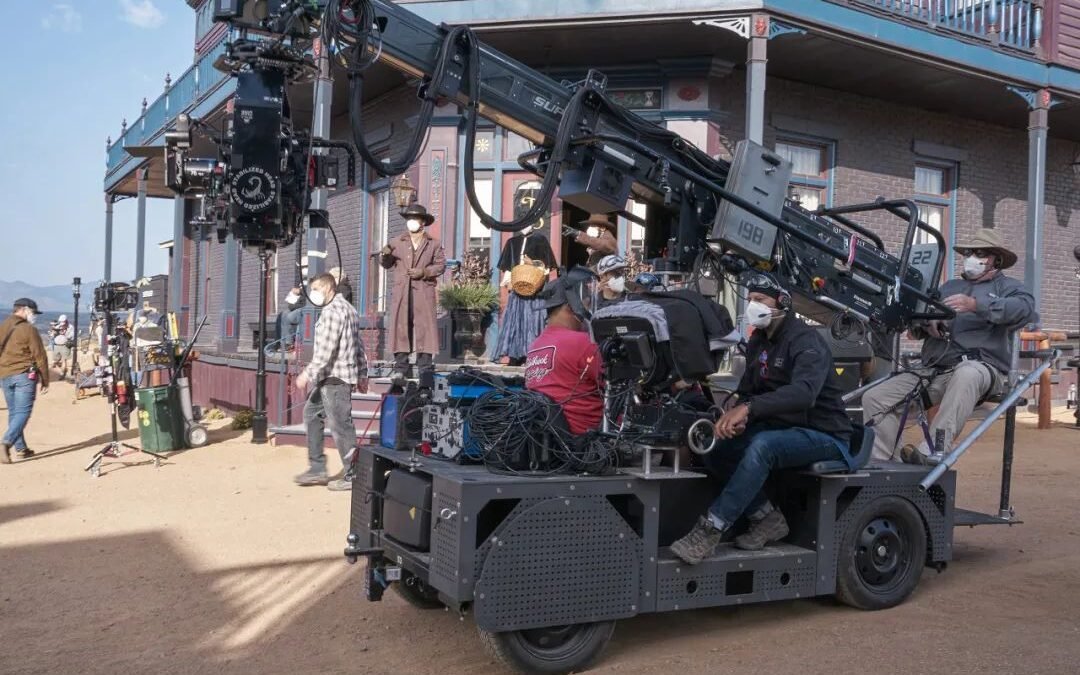
The difference between amateur and cinematic AI video often comes down to three words: the camera move. Static, aimless footage looks AI-generated; deliberate camera movement looks directed. Here’s how to control camera movements in AI video prompts using real film language.
Why Camera Movement Matters So Much
Camera movement is the grammar of film. A slow push-in creates intimacy and tension. An aerial pull-back creates awe. A handheld shot creates realism and urgency. When you don’t specify movement, the model picks something arbitrary — usually a subtle drift that screams “AI video.” Specifying the move is the fastest way to make output look intentional.
The Essential Camera Moves (With Prompt Phrasing)
Static / Locked-Off
Prompt: “locked-off tripod shot,” “static camera”
Use for: interviews, product shots, scenes where the subject moves. The most reliable move — nothing for the model to mess up.
Push-In / Pull-Out (Dolly)
Prompt: “slow push-in toward [subject],” “camera gradually pulls back revealing [scene]”
Use for: building tension (push-in), revealing scale (pull-out). The push-in is the most cinematic move in the AI video toolkit.
Pan and Tilt
Prompt: “slow pan from left to right across [scene],” “camera tilts up from [X] to [Y]”
Use for: landscapes, establishing shots, following horizontal action.
Tracking / Dolly-Alongside
Prompt: “camera tracks alongside [moving subject],” “glides with the car”
Use for: moving subjects — runners, vehicles, animals. Keeps subject framed while background flows.
Orbit / Arc
Prompt: “camera slowly orbits around [subject],” “180-degree arc revealing [scene]”
Use for: hero shots, products, dramatic reveals. Orbiting is visually stunning but technically demanding — keep orbits slow.
Aerial / Drone
Prompt: “drone shot ascending over [landscape],” “bird’s-eye view descending toward [subject]”
Use for: establishing scale, transitions, epic landscapes. AI handles aerials well — fewer complex subjects to warp.
Handheld
Prompt: “subtle handheld camera, slight natural shake”
Use for: realism, documentary feel, urgency. Subtle is key — heavy shake looks like an error.
Combining Moves (Carefully)
You can combine: “slow push-in while gently panning right.” But one primary move per shot is the reliable rule — complex combined moves increase the chance of warping and weird physics. Save combinations for simple scenes.
Move + Subject Pairing Guide
- Landscapes: aerial ascending, slow pan, pull-back reveal.
- People: slow push-in (intimacy), orbit (drama), static (dialogue feel).
- Products: orbit, slow push-in, turntable-style rotation.
- Action: tracking alongside, handheld.
- Transitions: pull-back or ascending aerials that reveal the next scene’s world.
Common Mistakes
- No move specified → generic drift. Always specify.
- Too fast: “rapid zoom” often breaks. Slow and deliberate wins.
- Move fights subject: orbiting a running person = chaos. Match move energy to subject energy.
- Expecting precision: “exactly 45 degrees” won’t happen. Describe feel, not geometry.
How to Control Camera Movements in AI Video Prompts: Common Mistakes
- No move specified → generic drift. Always specify.
- Too fast: “rapid zoom” often breaks. Slow and deliberate wins.
- Move fights subject: orbiting a running person = chaos. Match move energy to subject energy.
- Expecting precision: “exactly 45 degrees” won’t happen. Describe feel, not geometry.
Camera Movement Vocabulary Cheat Sheet
Keep this handy when prompting:
- Static: “locked-off,” “tripod shot,” “static frame”
- Push/pull: “slow push-in,” “dolly in,” “pull back,” “reveal”
- Lateral: “tracking shot,” “dolly alongside,” “pan left/right”
- Vertical: “tilt up/down,” “crane shot,” “ascending/descending”
- Circular: “orbit,” “arc shot,” “360 rotation”
- Aerial: “drone shot,” “bird’s-eye view,” “top-down”
- Subjective: “POV shot,” “handheld following,” “steadicam”
- Speed: “slow motion,” “time-lapse,” “ramped speed”
Combine one movement + one speed descriptor + your subject. That’s 90% of camera prompting.
Matching Movement to Emotion
Directors choose moves for feeling, not just coverage:
- Intimacy/tension: slow push-in. The camera’s approach creates psychological closeness.
- Isolation/loneliness: slow pull-back. The world grows, the subject shrinks.
- Freedom/joy: sweeping aerials, fast tracking. Open space, momentum.
- Anxiety/chaos: handheld, quick pans. Instability reads as unease.
- Contemplation: static or extremely slow drift. Stillness invites thought.
- Revelation: orbit or crane-up revealing the scene. The “wow” move.
Prompt the feeling alongside the move: “slow push-in, growing sense of unease.” The model responds to emotional direction — it’s trained on films where these associations are baked into every frame.
Practice Drill: The 5-Shot Exercise
Build camera instincts fast: take one subject (a lighthouse, a coffee cup, a street) and generate 5 shots — static, push-in, orbit, aerial, tracking. Same subject, same style words, different moves. In 20 minutes you’ll feel what each move does — knowledge no amount of reading delivers. Save the prompts that work; they’re the foundation of your video prompting vocabulary.
Camera Language Cheat Sheet (Save This)
Quick reference for the most useful camera terms. Movement: pan (horizontal), tilt (vertical), dolly (forward/back), truck (sideways), crane (vertical sweep), orbit (circular), push-in (slow zoom toward), pull-back (reveal). Shots: extreme close-up, close-up, medium, wide, establishing, aerial, POV. Motion quality: smooth glide, handheld shake, static locked-off, slow motion, timelapse. Lens feel: shallow depth of field, anamorphic, fisheye, telephoto compression. Combine one term from each category for precise control: “slow push-in, medium shot, shallow depth of field, handheld subtle shake.” That’s a complete camera direction in one line. Print this, tape it to your monitor, and your video prompts will instantly level up. For the broader video prompting craft, see writing prompts for AI video.
Camera direction is one piece of the video puzzle — pair it with the full workflow in creating videos from text prompts, and make sure you’re using a tool that actually respects camera instructions (see which tools generate video from text prompts).
If you want to go deeper, OpenAI’s prompt engineering guide is the definitive free resource — written by the people who built the models.
Bottom Line
How to control camera movements in AI video prompts: learn the film vocabulary (push-in, orbit, tracking, aerial, pan), specify one deliberate move per shot, keep it slow, and match the move to the subject. It’s the highest-ROI skill in AI video — three words that separate “AI clip” from “cinematic shot.”



