
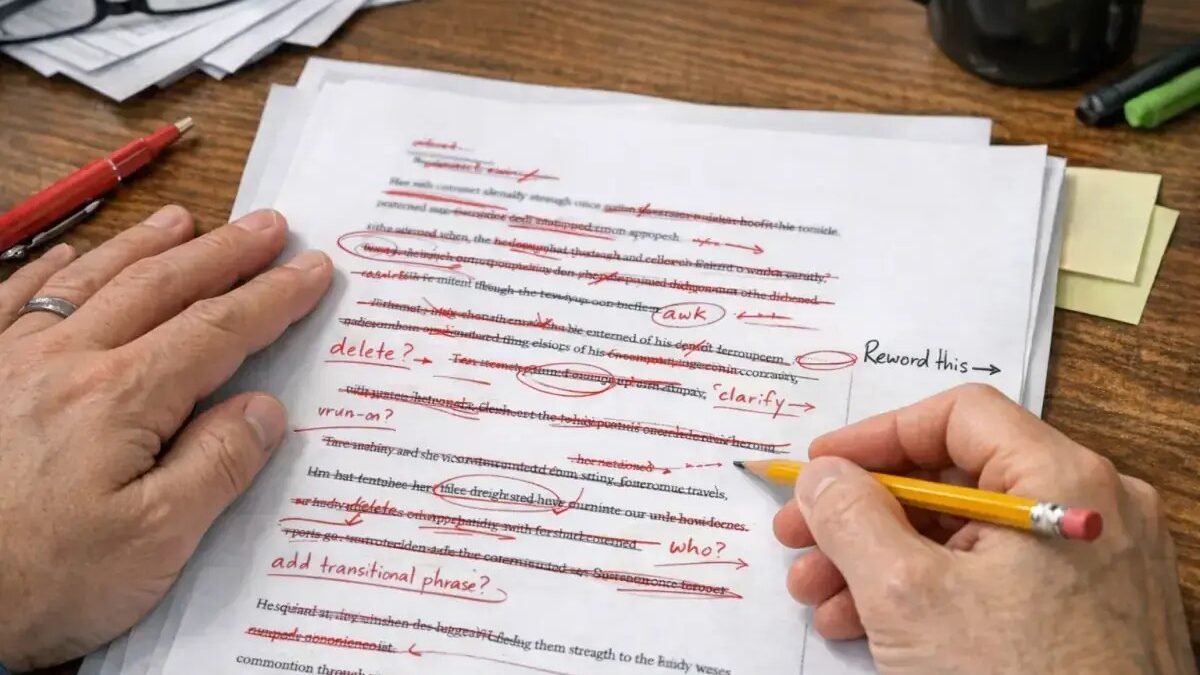
Ask Claude a simple question, get a five-paragraph essay. Sound familiar? How to reduce Claude’s tendency to be overly verbose is one of the most useful Claude skills — because concise answers aren’t just nicer to read, they save quota, time, and attention. Here’s every technique that works, from one-word prompts to permanent settings.
How to Reduce Claude’s Tendency to Be Overly Verbose: Quick Fixes
1. Just ask for brevity
The obvious one works: “Be concise.” “Answer in 3 sentences.” “One paragraph max.” Claude obeys length instructions well — most verbosity complaints come from never asking for less.
2. Specify the format
Formats constrain naturally: “Give me a bulleted list, 5 items max, each under 15 words.” Tables, bullets, and numbered lists all fight bloat structurally.
3. Ban the throat-clearing
“No introduction, no conclusion — just the answer.” This kills the “Certainly! Here’s a comprehensive overview…” padding that wastes everyone’s time.
4. Ask for the TL;DR first
“Start with a one-sentence answer, then elaborate only if needed.” You get the point immediately and can stop reading whenever.
Permanent Solutions
- Custom instructions: set a persistent preference — “Default to concise answers. Elaborate only when I ask.” This fixes it account-wide.
- Project instructions: Claude Projects let you set brevity per workstream — terse for code review, detailed for learning
- Build the habit: end prompts with “be brief” until it’s muscle memory
When Verbosity Is Actually Good
Don’t overcorrect — length serves a purpose sometimes:
- Learning new topics: detailed explanations beat terse ones when you’re a beginner
- Complex reasoning: long-document analysis needs thoroughness — don’t starve it
- Creative work: stories and detailed descriptions want room to breathe
- Important decisions: you want the full reasoning, not just the verdict
The skill isn’t “always brief” — it’s matching length to need. Default concise, expand deliberately.
The Quota Angle
Verbosity burns quota twice: longer responses consume more of your allowance, and bloated answers trigger clarifying follow-ups. Terse prompting is quota efficiency — relevant whether you’re on free-tier limits or paid. Also note: uploading files for file analysis then asking for “just the key findings in 5 bullets” is the highest-value concise pattern.
Mobile users feel this most — Claude’s mobile app is much nicer with concise answers on a small screen. “Be brief” is the best mobile prompt modifier.
Example Transformations
Before: “What causes rain?” → 400-word essay on the water cycle.
After: “What causes rain? Two sentences.” → “Rain forms when water vapor cools and condenses around particles in the atmosphere, growing heavy enough to fall. Rising warm air, cooling, and condensation are the three essentials.”
Same knowledge, 10x the usability.
Taming Verbosity: The Complete Toolkit
Claude’s thoroughness is a feature — until it isn’t. Here’s the full toolkit for getting concise output:
- Specify length explicitly: “in 50 words,” “3 bullets max,” “one paragraph” — numbers beat adjectives. “Be concise” is vague; “under 100 words” is enforceable.
- Ban the scaffolding: “No introductions, no summaries, no hedging — just the answer.” This single instruction eliminates 30% of typical verbosity.
- Demand structure: “Bullets only. Each bullet under 15 words.” — structure constrains rambling mechanically.
- Set the register: “Answer like a busy expert texting a colleague” — voice instructions shape length naturally.
- Use Project instructions: if you always want brevity, bake it into the Project: “Default to concise. Expand only when I ask.” — set once, benefit always.
The meta-principle: verbosity is the default, not the mandate. Every conversation accepts length instructions — the users who get crisp output are simply the ones who ask for it.
When Verbosity Is Actually What You Want
- Learning: detailed explanations teach; terse ones don’t. Let it be thorough when you’re studying.
- Complex reasoning: “show your work” — the verbose chain-of-thought is where the quality lives.
- Creative work: rich detail is the product, not the packaging.
- Documentation: comprehensive beats concise for reference material.
Don’t fight verbosity globally — direct it. Concise by default for quick answers; expansive when depth matters. The skill is knowing which mode each task needs.
Frequently Asked Questions
Why is Claude so verbose by default?
Training rewards thoroughness and helpfulness — the model defaults to comprehensive. It’s a starting point, not a constraint.
Can I set a global brevity preference?
Project instructions are the closest — per-Project defaults. There’s no universal account-level verbosity slider (currently).
Does asking for brevity reduce quality?
For simple questions, no. For complex ones, overly aggressive brevity can cut necessary nuance — match length to the task’s actual needs.
The One-Line Fix That Works 90% of the Time
If you remember nothing else: end prompts with “Be concise.” Two words, dramatic difference. For bullet needs: “Bullets, 15 words max each.” Specificity is the entire secret — vague “be brief” wishes fail, concrete constraints succeed.
The Takeaway
Reducing Claude’s verbosity = ask for brevity explicitly, use constraining formats, ban throat-clearing, and set persistent instructions for your default style. Match length to need — concise by default, detailed when learning or deciding. It’s a small habit with outsized returns in readability, quota, and time. Set the custom instruction today at Claude on Anthropic’s site — future you will be grateful.



