
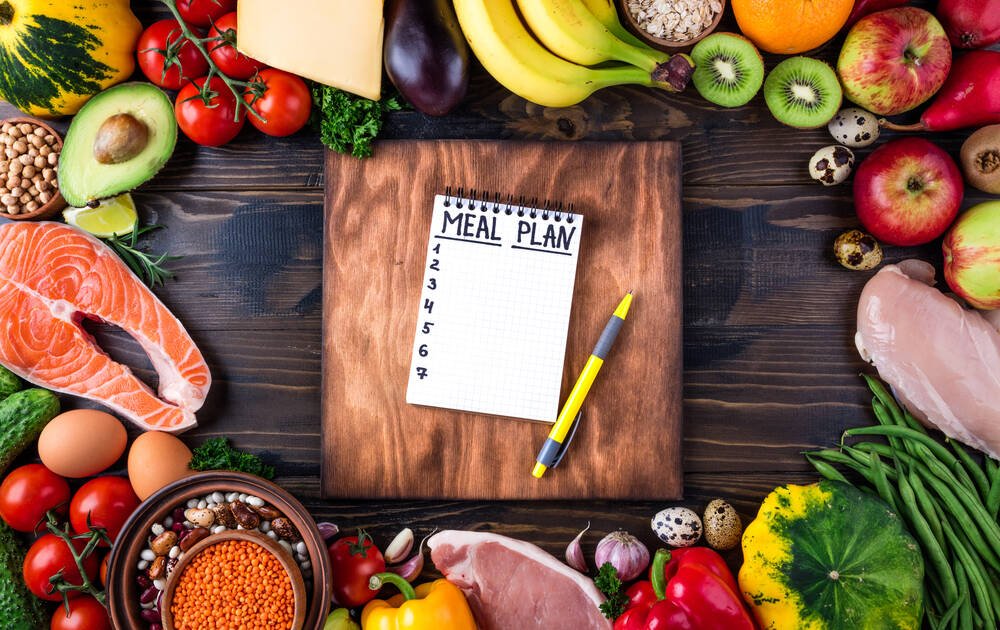
It’s 6pm, you’re staring into the fridge, and the thought of figuring out dinner — again — feels exhausting. I’ve been there more times than I can count. That’s exactly why learning how to use ChatGPT for meal planning and recipes changed my weekly routine more than any kitchen gadget ever has. Give it a few details about your tastes, budget, and schedule, and it hands you a full week of meals plus a grocery list in under a minute.
The trick isn’t just asking “what should I eat?” — it’s knowing how to ask. Let me walk you through the approach that actually works, including the prompts I reuse every single Sunday.
How to Use ChatGPT for Meal Planning and Recipes: The Method That Works
Start with context. ChatGPT is only as good as the information you give it, so your first message should cover four things: how many people you’re feeding, any dietary restrictions, your budget range, and how much time you want to spend cooking on weeknights. Something like:
“Plan 5 weeknight dinners for 2 people. We’re vegetarian, trying to keep groceries under $80, and I don’t want any recipe that takes more than 35 minutes. Include a grocery list organized by store section.”
That one prompt does 90% of the work. You’ll get a day-by-day plan, recipes with rough steps, and a consolidated shopping list. When I’ve tested this myself against paid meal-planning apps, the results were honestly comparable — and ChatGPT adapts instantly when you say “swap Thursday, I hate mushrooms.”
A Prompt Formula You Can Reuse Every Week
Here’s the template I keep in my notes app:
- Who: number of people + ages if kids are involved (portion sizes matter)
- Constraints: vegetarian / halal / gluten-free / nut allergy — be specific
- Budget: a number keeps it realistic; otherwise it suggests saffron everything
- Time: max minutes per meal on busy days
- Equipment: mention if you have an air fryer, slow cooker, or just one sad pan
- Output: ask for the grocery list grouped by section — produce, dairy, pantry
The more concrete you are, the less generic the plan. “Healthy meals” gets you bland chicken and broccoli. “High-protein vegetarian meals under 30 minutes, no tofu” gets you something you’ll actually cook.
Handling Dietary Restrictions Properly
This is where detail really pays off. Don’t just say “gluten-free” — say “gluten-free, and I need lunches I can meal-prep on Sunday.” Ask it to double-check ingredients for hidden gluten or to keep carbs under a target if you’re managing blood sugar. It’s surprisingly good at this, though you should always fact-check ChatGPT’s nutrition claims against a reliable source before treating anything as medical advice — it’s a language model, not a dietitian.
Cooking on a Tight Budget
Ask for the estimated cost per meal and tell it your local store if you want realistic prices. My favorite follow-up: “Which ingredients appear in multiple meals so I waste less?” It’ll restructure the plan around overlapping ingredients — suddenly that bunch of cilantro isn’t dying in your crisper drawer. You can also ask it to dig deeper with ChatGPT’s deep research mode if you want it to compare seasonal produce prices or budget diet strategies before building your plan.
Turn the Plan Into Recipes You’ll Actually Follow
Once you have the weekly outline, go meal by meal: “Give me the full recipe for Tuesday’s chickpea curry, with exact measurements for 2 servings.” Ask for:
- Exact quantities — vague “a handful” instructions are where home cooking goes wrong
- Prep order — what to chop first, what goes in the pan when
- Storage notes — how long leftovers last and whether it reheats well
- Swaps — “what can I use instead of coconut milk?” saves a grocery trip
I’ve found its strength is weeknight practicality, not fancy technique. For complex baking or anything where precision matters, cross-reference with a tested recipe site.
What to Watch Out For
A few honest caveats from someone who does this weekly:
- Portion math can be off. If it says a recipe serves 4 and you’re feeding 2 big appetites, say so.
- It can’t taste anything. Seasoning suggestions are educated guesses — trust your palate.
- Allergen safety is on you. Always verify ingredients yourself if allergies are serious.
- Repetition creeps in. If every plan starts looking the same, ask for a specific cuisine rotation — “alternate Mexican, Italian, and Thai this month.”
The Takeaway
Using ChatGPT for meal planning works best as a collaboration: you bring the constraints and taste, it does the tedious organizing. Spend ten minutes on Sunday with a good prompt, and you’ll walk into the week with dinners decided, a grocery list in hand, and noticeably less food waste. Start with the template above, tweak it for two or three weeks, and you’ll land on a version that feels tailor-made — because it is. If you’re new to the tool generally, OpenAI’s ChatGPT page is the place to start, and it runs fine on the free tier for all of this.



