
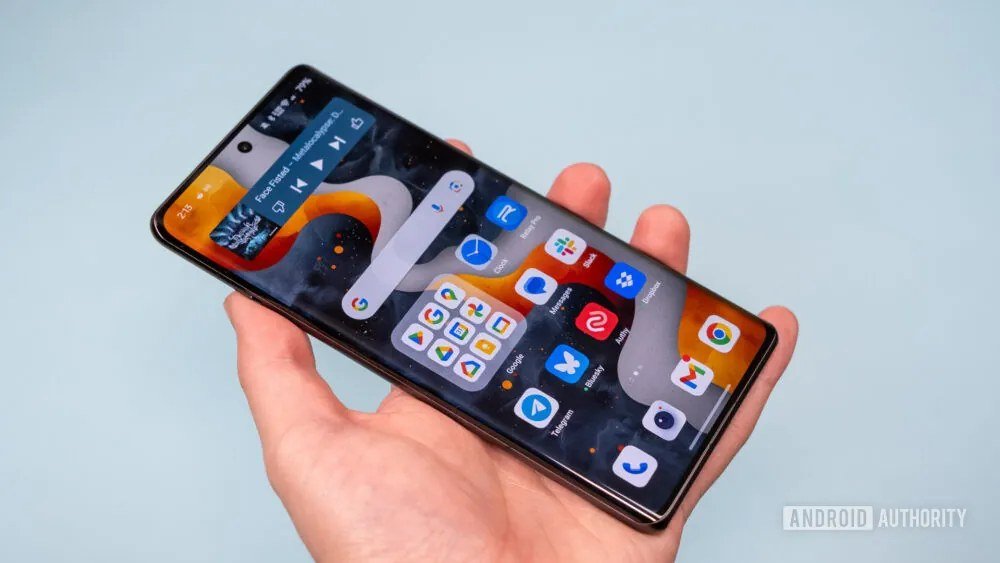
Android users have an embarrassment of riches: the built-in assistant, plus every major AI app competing for your home screen. Which AI assistant is best for Android phones in 2026? The answer hinges on one question most comparisons skip: do you want an assistant that’s part of your phone, or an app that’s smarter than your phone? They’re different things, and the best choice depends on how you actually use your device.
Which AI assistant is best for Android phones?
The native advantage: Gemini
Google’s Gemini is baked into Android in a way third-party apps can’t match: hold the power button or swipe the corner, and it’s there — with access to your screen content, your apps, your calendar, your messages (with permissions). The 2026 versions handle genuinely useful phone tasks: “summarize this article I’m reading,” “add a calendar event for the date in this email,” “what’s in this photo and where can I buy one,” navigating multi-step tasks across apps. Google DeepMind‘s models power it, and the integration depth is the selling point — no other assistant can do things on your phone like the native one can.
The trade-offs: it’s Google, with Google’s data practices (review the privacy settings — there are meaningful controls, but defaults favor data collection). And for pure reasoning/writing quality, it’s competitive but not class-leading; the frontier chatbots still edge it on hard thinking tasks.
The challengers: ChatGPT, Claude, and friends on Android
Every major AI lab ships an Android app, and they’re all good. Their pitch: smarter AI, weaker phone integration. ChatGPT’s Android app offers the strongest general capabilities, excellent voice mode (see ChatGPT voice mode on phone), and the biggest feature ecosystem — but it can’t reach into your system like Gemini can. Claude’s app wins fans for writing quality and thoughtful responses; lighter on phone-specific features. Perplexity owns the “answer with sources” niche. The pattern: pick the challenger whose brain you prefer for thinking tasks, keep Gemini for phone tasks. Most power users run both — it’s not a marriage, it’s a toolbox.
What to actually compare
- System integration: Can it act on your screen, set reminders in your apps, handle device settings? Native wins; challengers are catching up via Android’s assistant APIs but remain constrained.
- Voice quality: Test the voice mode yourself — naturalness, interruption handling, background noise performance. This varies more than benchmarks suggest and matters enormously for in-car and hands-free use.
- Camera and screen understanding: Point-and-ask (“what plant is this?”, “translate this menu”, “summarize what’s on my screen”) is the most magical phone-AI feature and the most variable in quality. Test with your real use cases.
- Privacy controls: What’s stored, where, for how long, and what trains models? The settings exist; almost nobody configures them. Be the exception.
- Offline capability: Mostly absent in 2026 for full assistants (a few on-device models handle basic tasks). If offline matters, it’s a differentiator to watch, not a feature to buy today.
Setup advice: the 15-minute optimization
- Pick your default assistant (long-press power button behavior) — this is the one you’ll actually use 10x daily. Most Android users should default to Gemini for the integration and keep a challenger app one tap away.
- Configure voice activation (“Hey Google” or equivalent) and test it in your actual environments — car, kitchen, street.
- Review permissions deliberately: grant what’s needed for your use cases, deny the rest. An assistant that can’t read your calendar can’t schedule from it — decide consciously.
- Set up the routines that matter: morning briefing, commute summaries, bedtime wind-down. The assistant’s value compounds in routines, not one-off queries.
- Learn one power feature deeply — screen-context questions, live camera translation, or multi-step task delegation. Most users never get past “set a timer.”
Android vs iPhone assistant landscape
Battery and data: the practical costs
Two things nobody mentions in assistant comparisons: battery — always-on voice assistants and frequent AI queries drain meaningfully; if your phone dies by 4 p.m., check which assistant features are running constantly (voice activation is the usual culprit — keep it for when you need hands-free, not 24/7). Data — voice conversations and camera queries use real bandwidth; on metered connections, prefer text. Neither is a dealbreaker, but they’re the difference between an assistant that’s always ready and one you disabled because your phone kept dying. Configure once: voice activation on-demand rather than always, high-data features on WiFi only, and you’re set. The best assistant setup is the one that doesn’t make you think about battery percentages.
Honest cross-platform note: Android’s assistant story in 2026 is stronger on integration and choice — Google’s platform openness means more assistants compete more deeply. iPhone users get polish and privacy posture; Android users get power and options. If you’re platform-curious, AI assistant for iPhone covers the other side, and Gemini on Android vs iPhone compares Google’s own assistant across platforms. The Android advantage is real but specific: if you want the assistant most deeply woven into your phone, with the most alternatives competing for the job, Android is the platform. Just configure the privacy settings — power without attention is how data leaks happen.




1 Comment