
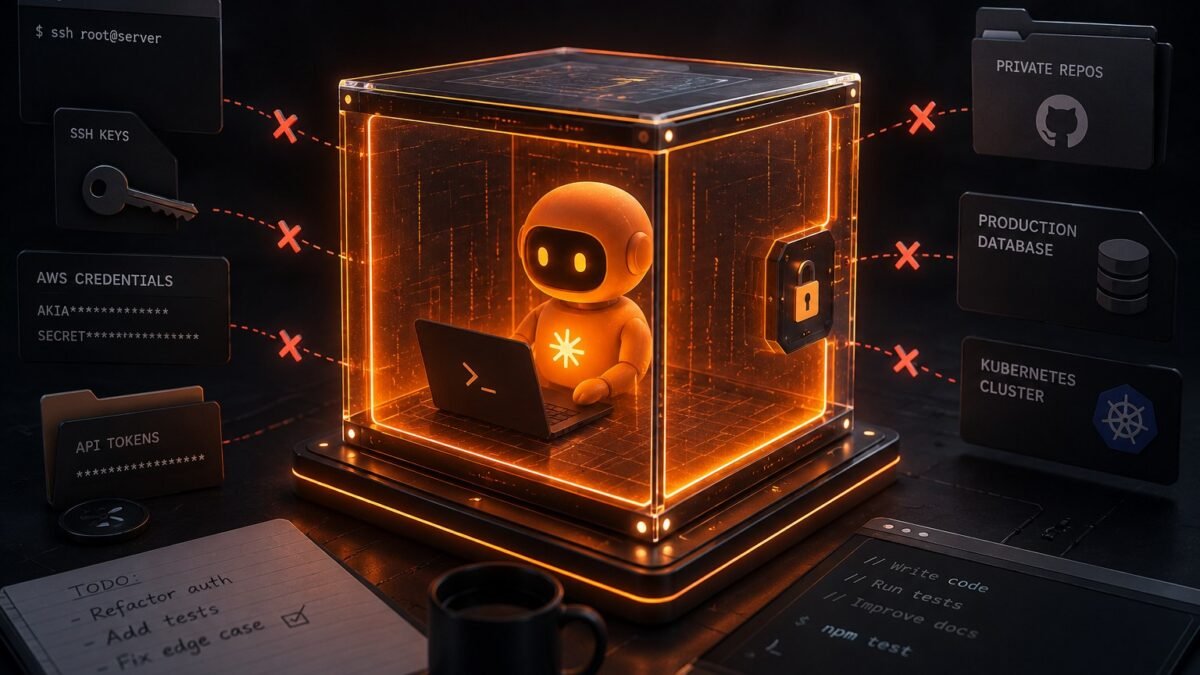
It happens more than anyone admits: a developer pastes a config file into a chatbot for debugging help, and buried in that file is a production API key. Or AI-generated example code includes a real-looking credential that turns out to be someone’s actual leaked secret from training data. Learning how to keep AI from leaking secrets in code isn’t paranoia — it’s basic hygiene in an era where code and AI tools are constantly mingling.
How to keep AI from leaking secrets in code: What Actually Works
Before any code touches any AI tool, strip the secrets. This should be muscle memory:
- Replace real credentials with placeholders.
API_KEY=sk-live-abc123becomesAPI_KEY=YOUR_KEY_HERE. The AI doesn’t need the real value to debug your auth logic. - Redact tokens, passwords, and connection strings from logs and error messages before pasting. Error logs are secret-smuggling champions.
- Use .env examples, not .env files. Share the structure (
.env.example) rather than the actual values. - Check diffs before sharing. That “quick paste” of a config file — scan it once for anything that looks like a secret. Ten seconds.
Know Where Your Data Goes
Not all AI tools handle your input the same way, and this is the part most developers skip. Consumer chatbots (free ChatGPT, etc.) may use your conversations for training — assume anything you paste could be learned from. API usage typically comes with no-training-on-your-data terms — one reason serious teams use the API, not the chat website, for code work. Enterprise tiers add zero-retention options and compliance certifications.
This is why whether coding tools train on your code is essential reading, and why secure AI assistant practices at work should be team policy, not individual preference. For DevOps folks handling the most secret-dense files, AI for DevOps covers the infrastructure-specific angles.
Scan What Comes Back, Too
Leaks flow both directions. AI-generated code sometimes contains real secrets from training data — actual API keys that were in public GitHub repos the model trained on. Before using generated code: run a secret scanner (gitleaks, trufflehog) on it, never commit generated credentials, and rotate any key that was ever pasted into a consumer AI tool. Yes, really — if a production key touched a chatbot, consider it compromised and rotate it. That’s not overreaction; it’s the industry standard response.
Build the team habit
Add secret scanning to CI (it takes 10 minutes to set up), use a secrets manager so there are fewer secrets lying around in files to accidentally paste, and make “sanitize before sharing” part of onboarding. The developers who leak secrets aren’t careless — they’re usually rushing. Systems beat willpower: make the safe path the default path.
What To Do When a Secret Slips (Incident Response)
It happened. A real key went into a chatbot, or a generated snippet contained a live credential. Don’t freeze — execute: 1. Rotate immediately. Revoke the exposed credential and issue a new one. This is step one, before investigation, before blame. Most cloud providers let you rotate keys in minutes; do it now. 2. Assess exposure. Which tool received it? What’s that tool’s data retention and training policy? A paste into an enterprise API with zero retention is a very different incident from a paste into a consumer chatbot.
3. Check for misuse. Review access logs for the exposed credential’s lifetime — any unusual activity? 4. Document it. Write the incident up: what happened, what was exposed, what you did. Blameless postmortems build better systems than punishment builds caution. 5. Fix the system. Why was a real secret pasteable in the first place? Add the scanning, the secrets manager, the training that was missing. Every leak is a system failure wearing a human face — fix the system and the humans stop failing.
Secrets Managers: The Structural Fix
Individual vigilance fails; architecture endures. The structural fix for secret leaks is simple: stop putting secrets in files that humans copy-paste from. Use a secrets manager — HashiCorp Vault, AWS Secrets Manager, Doppler, or even your cloud provider’s built-in option — so credentials live in one managed place and code references them by name. When there’s no API_KEY=sk-live-... sitting in a config file, there’s nothing to accidentally paste into a chatbot.
The migration is less painful than teams fear. Start with new projects (greenfield is easy), then migrate the highest-risk existing secrets — production keys, the ones in shared config files. Use short-lived credentials where possible: temporary tokens that expire in hours make any leak self-healing. Add pre-commit hooks that scan for secret patterns before code even reaches the repo — gitleaks hooks take minutes to install and catch the “oops” before it becomes an incident. And rotate on a schedule, not just on suspicion: quarterly rotation means any unknown past leak has a limited blast radius. None of this is AI-specific — it’s just good security that happens to eliminate the entire class of “pasted a secret into an AI tool” incidents by removing the secrets from the pasteable surface.
The Takeaway
Sanitize inputs (placeholders, not real keys), know your tool’s data policy (API > consumer chat for sensitive work), scan outputs (generated code can contain real leaked secrets), and rotate anything that slipped. Four habits, and secrets stay secret.
Tools to install today: gitleaks and trufflehog — both free, both excellent.




1 Comment