
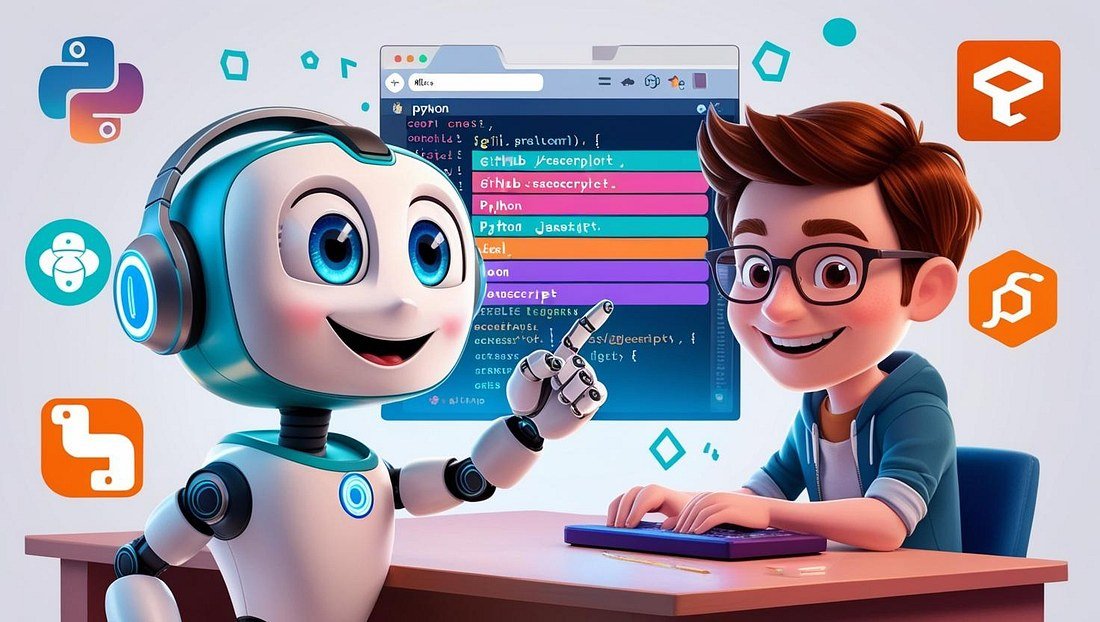
Every student with a laptop now has a tireless coding tutor living inside their browser. The question isn’t whether to use it — it’s how to use AI to learn coding as a student without turning it into an answer machine that does your thinking for you. Because here’s the uncomfortable truth: the students getting A’s with AI help right now are splitting into two groups. One group is learning faster than ever. The other can’t code a loop without a chatbot open. This guide covers How to use ai to learn coding as student — clearly, honestly, and without the fluff.
I’ve mentored both kinds. The difference was never the tool — it was the method. Here’s the method that works.
How to use ai to learn coding as student: What Actually Works
The core rule: AI explains, you write. Never let it generate the solution before you’ve attempted it. Here’s the loop that builds real skill:
- Try it yourself first (15–30 min). Struggle a bit. The struggle is the learning.
- Ask for a hint, not the answer. “I’m stuck on this binary search — what’s wrong with my approach?” not “write a binary search.”
- Make it quiz you. “Quiz me on Python list comprehensions, one question at a time, increasing difficulty.”
- Explain it back. Type out your explanation of the concept to the AI and ask it to poke holes. If you can’t explain it, you don’t know it.
Ask for the “why,” not just the “what”
When you hit an error, the lazy prompt is “fix this code.” The learning prompt is “here’s my code and the error — explain what’s happening and why, then give me a hint to fix it myself.” The second version takes two minutes longer and builds ten times the skill. Error messages are where real programmers are forged, and understanding why AI sometimes invents fake libraries will also save you from copying phantom code into your assignments.
Build Tiny Projects With AI as Your Pair Programmer
Tutorials give you the illusion of competence; projects give you the real thing. Pick something embarrassingly small — a to-do app, a weather CLI, a personal expense tracker — and build it with the AI as your senior dev. Have it review your code (“review this like a strict code reviewer”), suggest better approaches, and explain design patterns as they come up naturally.
This is also where free tools matter. Several strong AI tools are free for students, so cost shouldn’t be your excuse. And pairing AI practice with general study discipline — the same techniques in how to use AI to study — multiplies the effect.
Common Traps Students Fall Into (And How to Dodge Them)
The biggest trap is tutorial hell with AI flavor: you “build” five projects where the AI wrote 95% of the code, and you feel productive while learning nothing. The symptom is easy to spot — you can’t start a blank file without opening the chatbot. The cure is the weekly no-AI hour I mentioned, plus one project per semester built entirely solo. It’ll be uglier. It’ll also be yours.
The second trap is never reading error messages. AI makes it tempting to paste every traceback without reading it. But error messages are a language, and fluency in that language is half of programming skill. Force yourself to read the error, guess the cause, and only then ask the AI to confirm or correct your diagnosis. Within a month you’ll find you’re asking less and less.
The third trap is subtler: letting AI choose your learning path. “Teach me web dev” gets you a generic roadmap. But the best learning is driven by curiosity about something you actually want to build. Pick the project first — a game, a bot, a website for a friend — then let AI fill the gaps as they appear. Motivation beats curriculum every time, and a project you care about will pull you through the hard parts that a syllabus never could.
Using AI for Exam Prep (Without Crossing Lines)
Exam season is where AI tutoring really shines — if you use it right. The winning move: have the AI generate practice problems similar to but not identical to your coursework, then solve them yourself. “Give me 5 practice problems on recursion, medium difficulty, with hidden test cases I can check against.” You get infinite problem sets; the textbook gives you twelve.
But know your school’s policy cold. Using AI to explain concepts: universally fine. Using it to write your take-home exam: academic misconduct at most schools, and getting caught has real consequences. The line most policies draw is about authorship — your submitted work must represent your understanding. When in doubt, ask your professor directly; most respect the question. And if you’re ever wrongly accused of AI use, knowing exactly how you used the tool (with drafts and chat logs to show it) is your best defense.
The Takeaway
The students who thrive aren’t the ones avoiding AI or the ones outsourcing their brain to it — they’re the ones using it as a demanding tutor: attempt first, ask for hints, explain back, build projects. Do that for a semester and you’ll out-code the copy-pasters by a mile. When you start doubting yourself, this honest take on relying on AI as a beginner is worth a read.
Worth bookmarking: freeCodeCamp pairs beautifully with AI tutoring — structured curriculum plus an on-demand explainer.



