
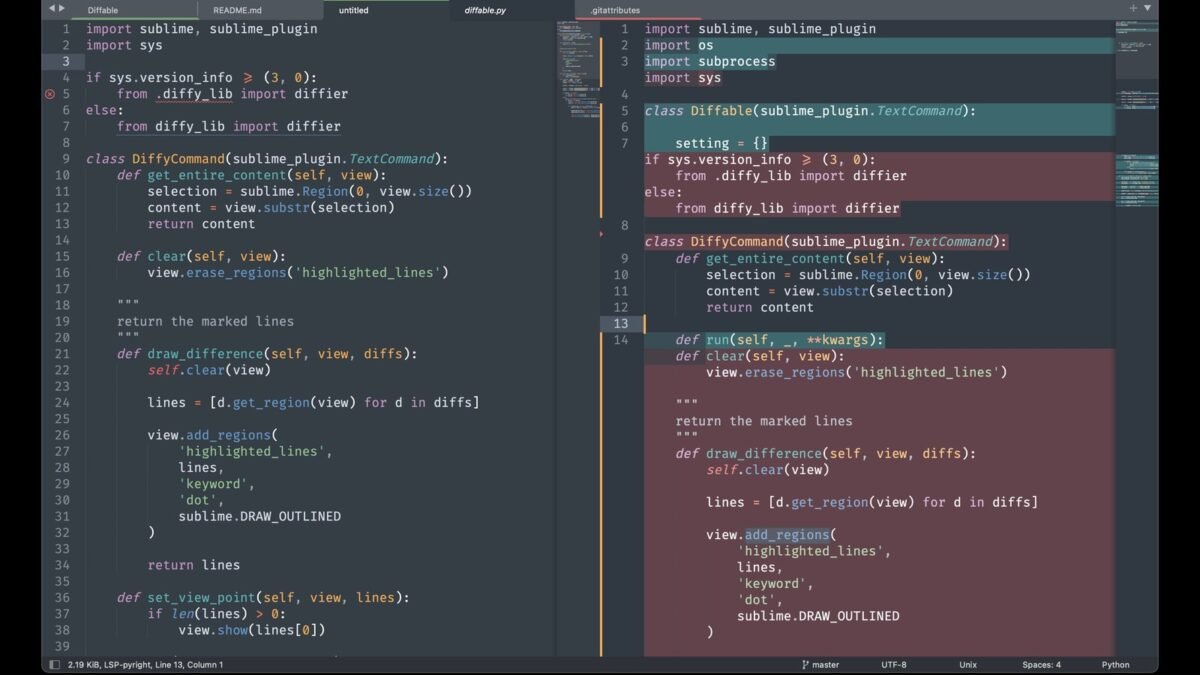
You’ve seen the dedicated panel pop up beside your Claude chat — the one holding code, documents, or graphics you can edit and download. What are Claude Artifacts and how to use them properly? This guide goes beyond the basics into the workflows that make artifacts genuinely transformative: versioning, iteration, and the artifact types most people never discover.
What Are Claude Artifacts and How to Use Them: The Essentials
Artifacts are substantial content pieces — code, documents, SVGs, web pages — that Claude creates in a dedicated side panel rather than inline in chat. They persist, version, and export independently of the conversation. The mental model: chat is where you talk; artifacts are what you make.
Artifact Types and What They’re For
- Code artifacts: full scripts and programs with syntax highlighting — Python, JavaScript, HTML/CSS/JS with live preview
- Document artifacts: drafts, reports, articles — editable long-form content
- SVG artifacts: vector graphics and diagrams rendered visually
- Web artifacts: functional single-page apps previewed live in the panel
- Mermaid diagrams: flowcharts and diagrams from text descriptions
The Iteration Workflow (Where Artifacts Shine)
- Generate v1: “Build a landing page for a coffee shop as an artifact.”
- Review the preview: look at the actual rendered result, not just code
- Refine conversationally: “Darker header, bigger hero text, add a menu section.”
- Edit directly: click into the artifact and tweak code yourself for fine control
- Version freely: every iteration saves — experiment boldly, roll back if needed
- Export: download the final version for real use
Rounds 2-5 are where artifacts beat chat: instead of scrolling through five code blocks in conversation history, everything lives in one versioned panel.
Power Patterns
- Design mockups: “Create 3 homepage variations as separate artifacts” — compare side by side
- Document collaboration: draft in artifact, “tighten the introduction,” repeat — with Claude’s editing skills this is a full editorial workflow
- Data viz: upload data, get charts as artifacts, refine styling conversationally
- Learning: “Build an interactive artifact explaining how recursion works” — artifacts as teaching tools
Artifacts + Projects: The Full System
Artifacts created inside Claude Projects stay organized by project — your deliverables accumulate alongside the knowledge and instructions that produced them. For book-length work, long-document workflows produce chapter artifacts you can assemble. It’s a complete production system, not just a chat feature.
Limitations
- Single-file scope — multi-file apps need Claude Code, not artifacts
- Sandboxed previews — no backends, no real API calls, no persistent storage
- Mobile creation is cramped — desktop for building, mobile for viewing
- Usage limits apply — artifact-heavy sessions burn quota
Artifacts in Practice: Real Workflows
How professionals actually use artifacts day-to-day:
- The writer: drafts articles as artifacts — the clean panel beats scrolling through chat. Iterates with “tighten the intro, expand the examples” while the full draft stays visible.
- The developer: generates components, scripts, and configs as artifacts — downloads them directly into projects. The version history tracks iterations.
- The analyst: builds reports and data summaries as artifacts — shares the panel output with stakeholders instead of copy-pasting from chat.
- The student: creates study guides as artifacts — organized, revisable, downloadable for offline review.
- The planner: trip itineraries, project plans, comparison tables — living documents refined over multiple turns.
The common thread: artifacts turn conversations into deliverables. Chat is where you think; artifacts are what you keep. Users who make this distinction report dramatically better organization — no more scrolling through 200-message threads hunting for that one good output.
Artifact Best Practices
- Ask explicitly: “Put this in an artifact” — don’t hope Claude guesses. Explicit beats implicit.
- Iterate in place: “In the artifact, change X and add Y” — refine rather than regenerate.
- Name versions: “v2 – client feedback incorporated” — future you needs the context.
- Export finished work: download final versions to your real files — don’t let deliverables live only in Claude.
- Prune regularly: delete experiments that went nowhere; curate the keepers.
Frequently Asked Questions
What’s the difference between this and the earlier artifacts article?
Companion coverage — this one focuses on practical daily workflows; the other explores creative possibilities. Together they’re the complete picture.
Can I collaborate on artifacts?
Check current sharing features — they evolve. At minimum, download and share the file through your normal channels.
Do artifacts work for team workflows?
As personal productivity tools, excellently. For true multi-user collaboration, export to your team’s shared platforms.
Artifact Troubleshooting
- Didn’t become an artifact? Ask explicitly: “put this in an artifact.” Short outputs stay in chat by design.
- Artifact not updating? Reference it directly: “in the artifact, change X.” Vague instructions miss.
- Lost track? Name versions meaningfully and prune dead experiments weekly.
- Sharing issues? Download the file — the universal fallback that always works.
Most artifact friction comes from implicit expectations — be explicit and the feature works beautifully.
The Takeaway
Claude Artifacts = dedicated, versioned, exportable content panels for code, documents, graphics, and web apps. The workflow is generate → preview → refine conversationally → export, with versioning making experimentation safe. Pair with Projects for organized long-term production. If you’ve been copying outputs out of chat, you’re working too hard — let artifacts hold the work. Try it at Claude on Anthropic’s site.



