
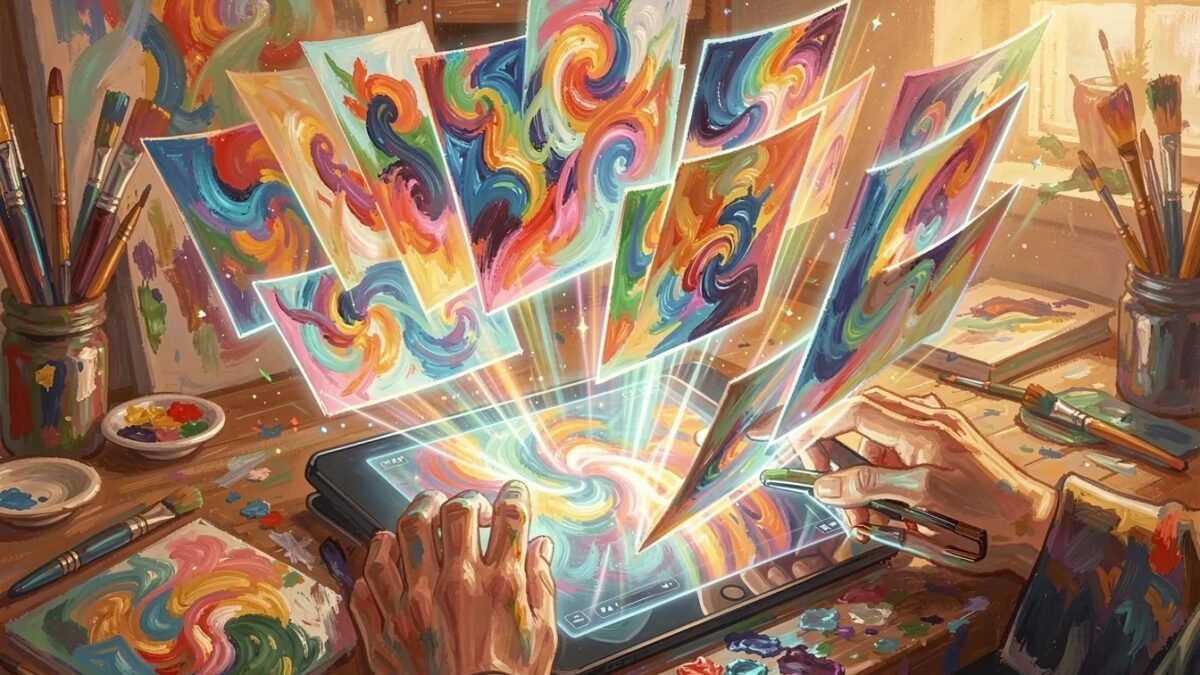
What is the best AI tool to create images in 2026? The field went from “one cool demo” to dozens of serious tools in three years, and they’re not interchangeable — they have genuinely different strengths. I’ve generated thousands of images across every major platform for client work, content, and fun. Here’s the definitive ranking, organized by what you’re actually trying to make.
The Overall Ranking
1. Midjourney — Best Overall Image Quality
Still the king of beautiful. Midjourney’s aesthetic sense — composition, lighting, texture, mood — is unmatched. For artistic images, marketing visuals, concept art, and anything where beauty matters, nothing else is close. The tradeoff: it’s the least precise at following complex instructions, and text rendering, while improved, trails the leaders. It’s an artist, not a draftsman.
Getting started: Midjourney free trial guide. Worth it? Our analysis.
2. GPT Image (DALL-E successor, via ChatGPT) — Best Instruction Following
Tell it exactly what you want — including text, specific layouts, multiple elements in precise arrangement — and it does it. The most controllable image generator. Text rendering is the best in class. For posters, infographics, precise compositions, and “I need exactly this,” it’s the tool. Artistic beauty trails Midjourney, but precision wins for commercial work.
3. Stable Diffusion (Open Ecosystem) — Best Free and Customizable
Free, unlimited, endlessly customizable with community models for every style imaginable — anime (anime guide), photorealism, fantasy, you name it. The tradeoff is effort: setup, learning curve, GPU needs. For hobbyists and power users, it’s unbeatable value. For “I just want a nice image in 30 seconds,” the hosted tools win.
4. Adobe Firefly — Best for Commercial Safety
Trained on licensed content, integrated into Photoshop/Creative Cloud, with enterprise indemnification. Not the most beautiful or the most precise — but the safest for business use. Our commercial use guide explains why this matters.
5. Gemini / Imagen — Best Integrated/Free
Free with a Google account, surprisingly good, improving fast. The “good enough and already in your pocket” option. Great for casual use; not yet the choice for professional work.
6. Ideogram — Best for Text-Heavy Design
Specialized in typography-forward images — posters, logos, social graphics with reliable text. Niche excellence.
Choose by Use Case
- Beautiful art / marketing visuals: Midjourney
- Precise compositions / text in images: GPT Image
- Free unlimited / custom styles: Stable Diffusion
- Business-safe commercial work: Adobe Firefly
- Quick and free: Gemini or no-signup options
- Anime: Midjourney Niji or SD anime checkpoints
- Posters with text: our text-in-image ranking
Skills That Transfer Across All Tools
- Prompting: image prompting guide — the fundamentals work everywhere.
- Negative prompts: our negative prompt list — the fastest quality boost available.
- Iteration: generate 4+, pick the best, vary the winner. Selection beats perfectionism.
The history of Midjourney on Wikipedia is a good window into how fast this field moved.
What Is the Best AI Tool to Create Images for Blog Content?
Bloggers have specific image needs: speed, relevance, and consistency. You need a header image per post, generated in minutes, in a roughly consistent style. The winning setup: pick one tool, develop a style suffix you reuse (“flat vector illustration, teal and navy palette”), and batch-generate.
Consistency trick: save 2-3 prompts that worked well and iterate on them rather than starting fresh each time. Your blog develops a visual identity — readers recognize your style before they read the headline.
Don’t forget alt text and compression. AI images can be large; compress before uploading (your page speed will thank you), and write descriptive alt text for accessibility and SEO. The image gets the click; the optimization keeps it.
Featured image dimensions vary by theme, but 1200×630 is the safe universal choice — it displays well in-content and on social shares. Generate slightly larger than needed and crop; AI composition survives cropping better than stretching. Consistent dimensions across posts also make your blog archive look professional.
Test how your featured images look when shared on social platforms — each crops differently. A quick share-preview check per post prevents the classic decapitated-headline problem. Two minutes per post, much better first impressions.
Name your image files descriptively before uploading: keywords in filenames give a small SEO boost, and organized media libraries save headaches later.
Finally, keep your visual style consistent across posts: readers should recognize your blog’s imagery before reading a word. Consistency builds brand.
The Bottom Line
What is the best AI tool to create images? Midjourney for beauty, GPT Image for precision and text, Stable Diffusion for free unlimited power, Firefly for commercial safety. There’s no single winner — there’s the right tool for your specific need. Pick from the use-case list above, learn basic prompting, and you’ll be making images that would’ve required a design team five years ago. The bar for visual content has permanently moved.




1 Comment