
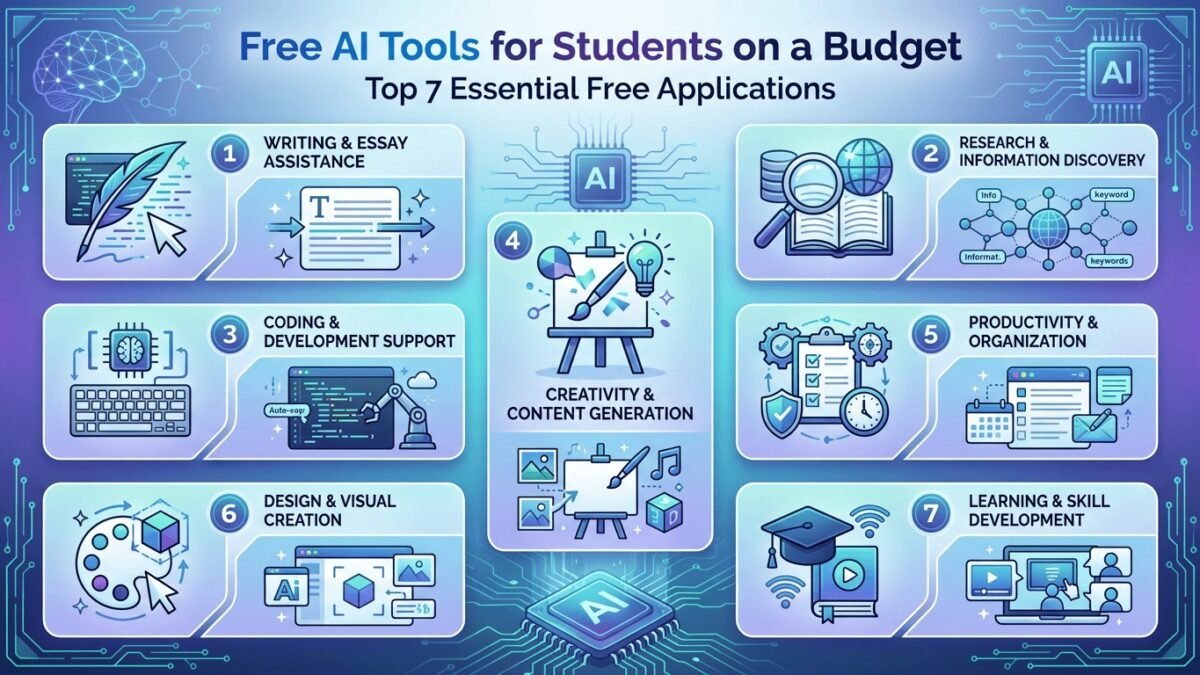
Good news: you don’t need to spend a dime. What AI is free for students? Almost everything that matters has a capable free tier, and several tools offer extra student benefits. Here’s the honest rundown — what’s free, what’s limited, and what’s actually worth your time.
What ai is free for students: The Full Breakdown
- ChatGPT (free tier). GPT-class model with generous daily limits, web browsing, and image understanding. For 90% of student needs — explanations, essay feedback, study help — the free tier is plenty. The Plus upgrade ($20/month) mostly buys you the newest model and higher limits; nice, not necessary.
- Claude (free tier). Excellent for writing feedback, long documents (huge context window), and nuanced explanations. Many students prefer Claude for humanities work. Free tier has daily limits but they’re workable.
- Google Gemini (free). Deeply integrated with Google Workspace — great if your school runs on Google Docs and Drive. Strong free offering, especially for research with cited sources.
Honest advice: try all three for a week. They have different personalities and strengths, and most students end up with a favorite for writing and a favorite for technical subjects. There’s no prize for loyalty.
Free Tools for Specific Needs
- GitHub Copilot (free for students!). This one’s actually special: students get Copilot Pro free via the GitHub Student Developer Pack. If you code at all, claim this immediately — it’s the single best student AI deal in existence. See using AI to learn coding for how to use it well.
- Microsoft Copilot. Free with a Microsoft account, built into Windows and Edge. Solid all-rounder.
- Perplexity (free tier). Best free option for research with real citations — when you need sources, not just answers.
- NotebookLM (free). Google’s tool for studying your documents — upload lecture slides, get summaries, quizzes, and Q&A grounded in your actual course material. Criminally underused by students.
- Grammarly (free tier). Writing polish. Use it to learn from the corrections, not just accept them.
How to Use Them Well (The Part That Matters)
Free tools used badly are still useless. The students getting real value follow the patterns in how to use AI to study: AI as tutor, not answer machine. And the should students use AI question is settled — yes, with the judgment to use it for learning rather than shortcuts. One caution: free tiers come with usage limits and (sometimes) training-data trade-offs. For schoolwork that’s fine; just know the terms.
Getting the Most Out of Free Tiers (Limit Management)
Free tiers have limits; strategy beats them. Spread load across tools — hit ChatGPT’s limit? Switch to Claude. Hit Claude’s? Gemini’s waiting. Three free tiers in rotation cover surprisingly heavy usage. Batch your questions — instead of 20 tiny prompts, compose thoughtful multi-part prompts; you get more per message and think better too.
Use the right tool per task — Perplexity for research (citations included), NotebookLM for your course materials, Claude for long writing feedback. Right-tool routing means fewer wasted messages. Save important outputs — free tiers don’t always keep history reliably; paste the good stuff into your notes. Time your heavy sessions — limits typically reset daily; do your big study sessions after reset. And remember: if you consistently hit limits, that’s data — you’re a power user, and the $20/month tier might be the highest-ROI purchase in your education. But most students never need it.
Free Tools by Subject (The Cheat Sheet)
Different subjects, different best tools. Writing & humanities: Claude’s free tier — its feedback on essays is nuanced and its long context handles full drafts. Pair with Grammarly free for polish. Math & STEM: ChatGPT free with its problem-solving, or Gemini — both show step-by-step work; always verify the steps yourself, since confident wrong math is an AI specialty. Research papers: Perplexity free — real citations you can actually check, which matters when your bibliography is graded.
Studying your own materials: NotebookLM — upload the lecture slides and textbook chapters, then quiz, summarize, and question your course’s content specifically. This is the most underused free tool in education. Coding: GitHub Copilot free via the Student Developer Pack — non-negotiable if you program. Languages: ChatGPT or Claude as conversation partners — “converse with me in Spanish, correct my mistakes gently, adapt to my level.” Test prep: any of the big three with the quiz prompts from study guides. Bookmark this list, match the tool to the task, and you’ve got a full academic support system for exactly zero dollars.
The Takeaway
ChatGPT, Claude, and Gemini all have capable free tiers; Copilot is free for students via GitHub’s student pack; Perplexity and NotebookLM cover research and studying. Total cost: $0. The only investment required is learning to use them as tutors rather than answer machines — and that investment pays off in every class you take.
Claim it: GitHub Student Developer Pack — free Copilot plus a stack of other dev tools.



