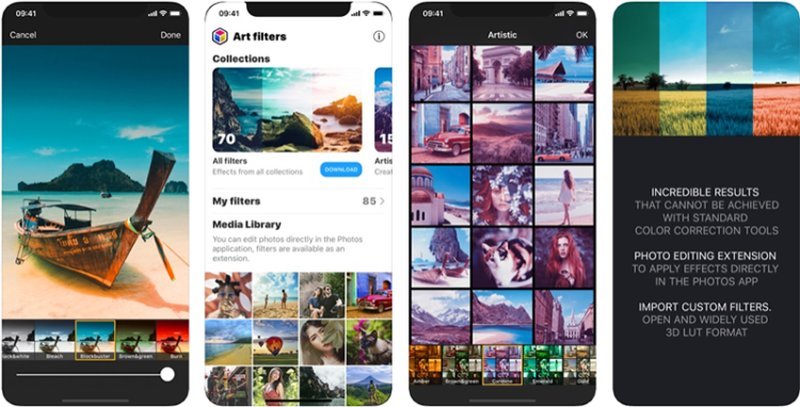
Your phone’s gallery deserves better than “good enough.” The best free AI photo editor apps Android users can download turn average shots into keepers — removing photobombers, fixing lighting, sharpening blur, and applying studio-grade looks in seconds. We tested the free tiers (not the trials, the actual free versions) to find which ones are genuinely usable without paying. Here are the ten that made the cut.
1. Snapseed — Best Free Editor, Period
Best for: serious editing without spending a dime.
Price: Completely free, no ads, no upsells.
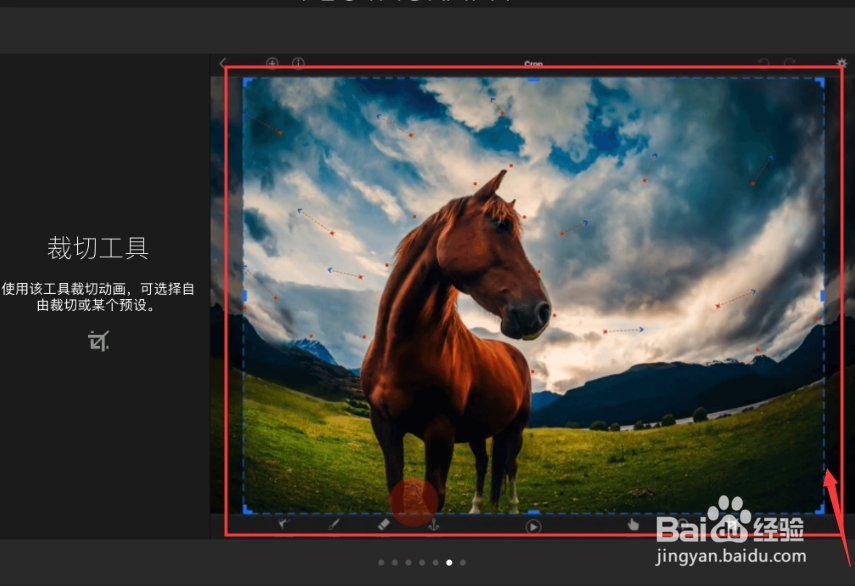
Google’s Snapseed remains the gold standard of free mobile editing. Its AI-ish selective adjustments, healing tool, and HDR looks rival paid apps. The interface has a learning curve, but the “Stacks” feature (non-destructive editing history) is something even paid apps charge for. If you only install one editor, make it this one — it’s the rare app that’s both free and professional. For the broader editing landscape, see the best AI photo editors of 2026.
2. Adobe Lightroom Mobile — Best for Photographers
Best for: RAW editing, presets, serious photographers.
Price: Free tier is powerful; Premium adds AI masking.
Adobe’s mobile Lightroom brings desktop-grade color science to your phone. The free version handles exposure, color grading, and lens corrections beautifully; Premium adds AI subject/sky masking that selects complex edges in one tap. The preset ecosystem (thousands free) gives you one-tap professional looks. If you shoot in RAW or care about color, start here.
3. Picsart — Best AI Playground
Best for: AI effects, stickers, backgrounds, fun edits.
Price: Free with ads; Gold unlocks premium AI tools.
Picsart’s AI toolkit is the broadest in the free space: background replacement, AI avatar styles, object removal, and text-to-image stickers. The free tier is ad-supported but genuinely functional — you can do 80% of the fun stuff without paying. It’s less precise than Snapseed for serious editing, but nothing beats it for creative play.
4. Remini — Best Photo Rescue
Best for: enhancing blurry, old, or low-light photos.
Price: Free with limits and ads; subscription for heavy use.
Remini’s enhancer genuinely shocks people — blurry concert photos become sharp, old family photos look re-shot. The free tier gives you a few enhancements per day with ads, which is enough for occasional rescues. Batch your enhancement needs into one session rather than paying monthly.
5. Fotor — Best One-Tap Enhancements
Best for: quick fixes with zero learning curve.
Price: Free tier covers basics; Pro adds advanced AI.
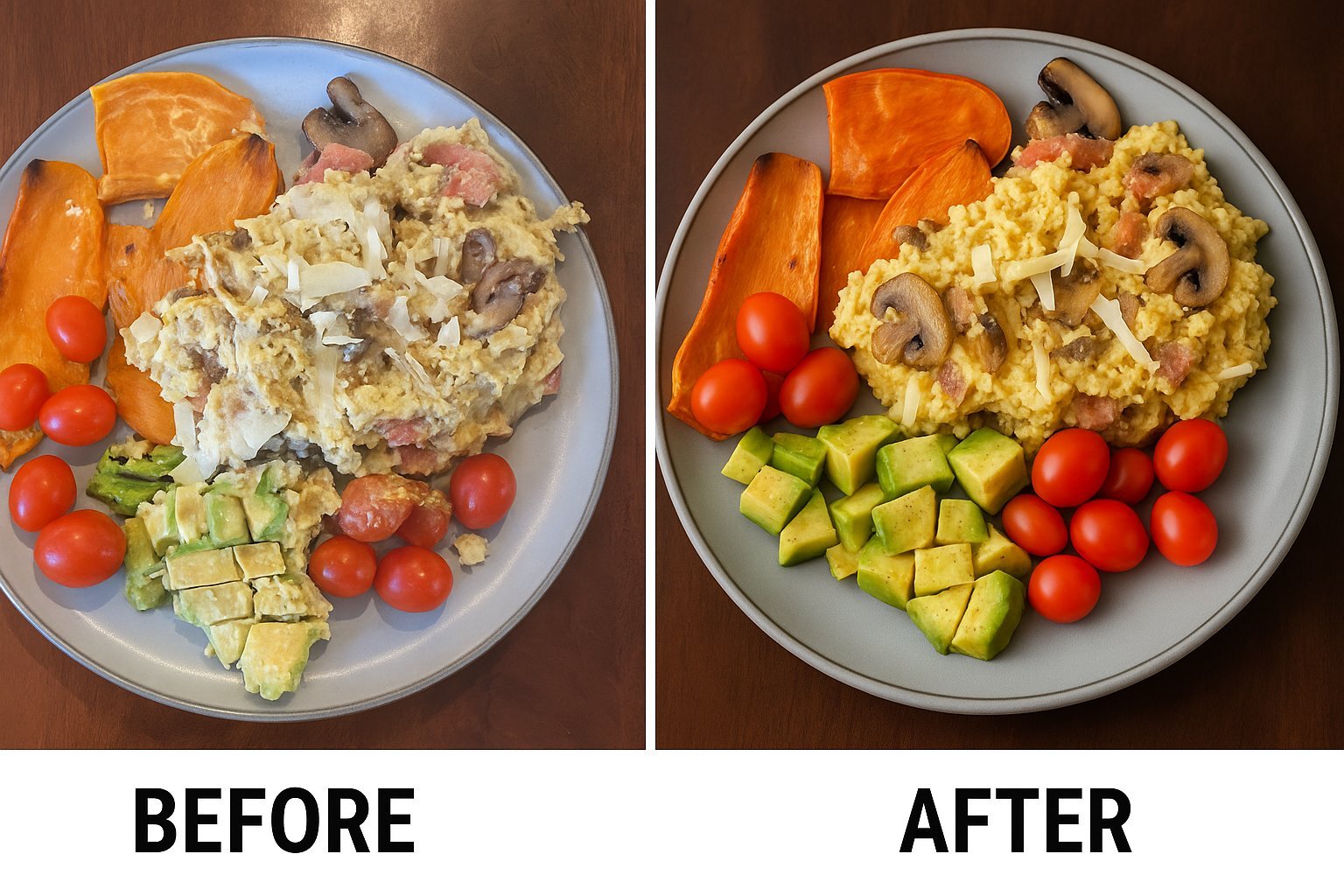
Fotor’s “1-tap enhance” is the best single button in mobile editing — it fixes exposure, color, and sharpness intelligently in about three seconds. The AI background remover and object eraser work well in the free tier. Perfect for people who want better photos without learning editing.
6. PhotoDirector — Best AI Sky and Scene Tools
Best for: sky replacement, AI scene enhancement.
Price: Free with watermark-free basic tools; premium for full AI suite.
PhotoDirector’s sky replacement is scarily good — gray skies become golden hour with matching light adjustments across the whole photo. The free version covers the essentials; the AI style transfer and cartoon effects are the premium lure.
7. YouCam Perfect — Best Selfie Editor
Best for: portraits, selfies, beautification.
Price: Free with ads; premium removes ads and unlocks tools.
The most capable free selfie editor: AI skin smoothing that doesn’t look plastic (if you keep it under 50%), body tuning, smile adjustment, and background blur. Use restraint — the tools go from “great” to “uncanny” fast. For removing backgrounds specifically, see the best AI background removers.
8. Pixlr — Best Browser-Fallback Option
Best for: quick edits without installing anything.
Price: Free.
Pixlr’s mobile web app means zero install and zero storage used — handy on full phones. The AI cutout and template tools are solid. Not as deep as installed apps, but the best “I need this edited in 60 seconds” option.
9. Canva — Best for Social-Ready Edits
Best for: photos destined for social media.
Price: Free tier is generous.
Canva’s Magic Edit, background remover, and thousands of templates make it the fastest path from photo to post. The AI tools in the free tier (with monthly credit limits) handle the common jobs. If your photos live on Instagram, edit where you’ll post.
10. Google Photos — Best Editor You Already Have
Best for: everyone, since it’s preinstalled.
Price: Free.
Don’t sleep on what you already own. Google Photos’ Magic Eraser, Photo Unblur, and portrait light tools (free for all users now) handle the most common fixes. Before installing anything new, check whether Photos already does the job — for basic cleanup, it usually does. Our guide to editing photos with AI on your phone walks through the full mobile workflow.
Best Free AI Photo Editor Apps Android: Quick Comparison
| App | Best For | Truly Free? | Watch Out |
|---|---|---|---|
| Snapseed | Serious editing | Yes, fully | Learning curve |
| Lightroom | Photographers | Yes, strong tier | AI masking is paid |
| Picsart | Creative AI effects | Yes, with ads | Best tools are Gold |
| Remini | Photo rescue | Limited daily | Ads, upsells |
| Fotor | One-tap fixes | Yes, basics | Advanced AI is Pro |
| PhotoDirector | Sky replacement | Yes, basics | Full suite is paid |
| YouCam Perfect | Selfies | Yes, with ads | Easy to overdo |
| Pixlr | No-install edits | Yes | Less deep |
| Canva | Social posts | Yes, generous | Credit limits |
| Google Photos | Built-in basics | Yes | Already on your phone |
Pro Tips for Free-Tier Editing
- Edit in this order: crop/straighten first, then exposure, then color, then details (sharpening, noise), then creative effects last. Fixing color before cropping wastes effort on pixels you’ll cut.
- Combine two free apps. No single free app does everything best — use Snapseed for serious adjustments and Fotor or Picsart for AI effects. The two-app workflow beats any one paid app for $0.
- Shoot with editing in mind. Slightly underexposed photos recover better than overexposed ones (blown highlights are gone forever; shadows can be lifted). This one habit improves every edit.
- Don’t trust your screen at full brightness. Edits made at max brightness look dark everywhere else. Edit at ~50% brightness for results that look right on other screens.
- Save originals. Every app here edits non-destructively or keeps originals — don’t flatten and overwrite your only copy of a good photo.
When It’s Actually Worth Paying
Free covers most people, but three scenarios justify a subscription:
- You edit daily for work (real estate, products, social media management) — the time saved by premium AI tools (batch processing, advanced masking) pays for itself in a week.
- You need a specific premium feature constantly — not occasionally. “Occasionally” means batch it into one paid month, then cancel.
- Ad-free matters to your workflow — if ads interrupt your creative flow daily, the cheapest premium tier is worth the sanity.
For everyone else, the free tiers above are genuinely enough. Revisit yearly — free AI features keep expanding into what used to be paid.
Frequently Asked Questions
What is the best completely free AI photo editor for Android?
Snapseed — fully free, no ads, no subscriptions, professional-grade tools. For AI-specific features (object removal, enhancement), Google Photos’ built-in tools and Fotor’s free tier are the best no-cost options.
Can free photo editors remove backgrounds?
Yes — Fotor, Picsart, Canva, and Pixlr all offer background removal in their free tiers. For dedicated tools, see the best AI background removers.
Are free AI photo editors safe?
Stick to well-known apps from the Play Store and check permissions — a photo editor needs photo access, not your contacts. Avoid obscure editors asking for excessive permissions.
Do I need to pay for Remini?
Not necessarily — the free tier’s daily enhancement allowance with ads covers occasional use. Only subscribe if you’re batch-processing lots of photos, then cancel after.
The Bottom Line
The free tier of Android photo editing in 2026 is absurdly good: Snapseed for control, Google Photos for convenience, Fotor for one-tap fixes, Remini for rescues. Install two — one serious editor, one fun one — and you’ll never pay for photo editing again unless you go pro.