
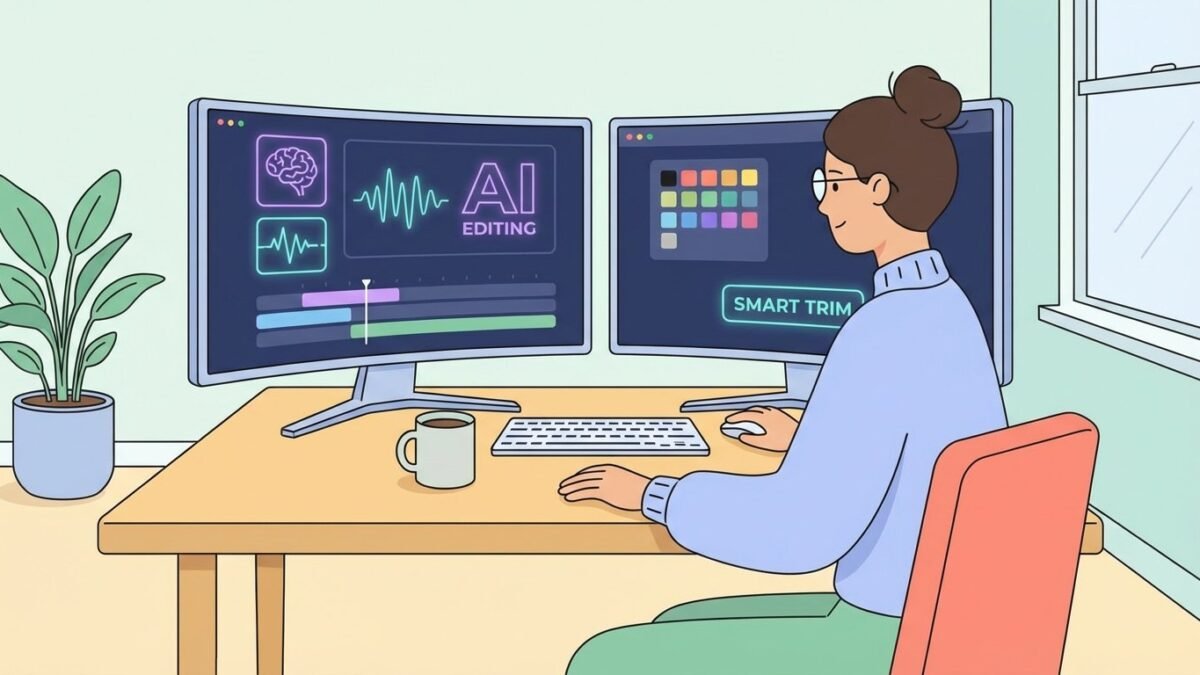
Editing eats more creator hours than anything else. So it’s a fair question: can AI edit your videos automatically? The 2026 answer is “mostly yes for standard content” — with important caveats about what “edit” means.
Can AI Edit Your Videos Automatically
- Silence and filler removal. Tools like Descript, Opus Clip, and CapCut detect dead air, ums, and false starts and cut them. This alone saves hours.
- Caption generation and styling. Accurate auto-captions with animated word-by-word styling — the default look of social video now.
- Reframing for vertical. AI tracks speakers and action, auto-cropping horizontal footage to 9:16 without losing the subject.
- Clip extraction. Opus Clip and similar tools analyze long videos, find the most engaging moments, and cut shareable shorts with captions — genuinely useful for repurposing long videos into shorts.
- Multi-cam and podcast assembly. AI switches between speakers automatically, balances audio, and produces a clean cut.
What still needs a human editor
Story structure. Pacing judgment. Knowing which take has the magic. Comedy timing. Emotional arcs. AI edits correctly — it doesn’t edit interestingly. The auto-edit is the assembly; the art is still human. Anyone promising “one-click professional editing” is selling the assembly and calling it art.
Best auto-editing tools right now
- Descript — the best text-based editing; edit the transcript, the video follows. Superb for talking-head and podcast content.
- Opus Clip / Vizard — long-to-short repurposing specialists with virality scoring.
- CapCut — free, shockingly capable auto-captions, silence removal, and templates.
- Adobe Premiere Pro — text-based editing and AI features for pros who want automation inside a real NLE.
- Timebolt / Gling — focused silence/filler cutters, fast and cheap.
The workflow I’d recommend
- AI does the assembly cut: remove silences, generate selects, auto-caption, reframe.
- You do the creative pass: restructure for story, tighten pacing, choose music, add b-roll where it matters.
- AI does the finishing: auto-ducking, loudness normalization, caption styling, export presets.
This hybrid typically cuts editing time by 60–80% versus manual, while keeping the creative decisions human. For talking-head YouTube and podcasts, it’s transformative. For cinematic or comedy content, the human share stays larger.
When NOT to automate your editing
Important counterpoint: some content gets worse with auto-editing. Comedy: timing is everything, and AI doesn’t understand why the pause before the punchline is 0.4 seconds and not 0.2. Emotional storytelling: the lingering shot, the held breath — AI cuts for efficiency, but emotion needs inefficiency. Highly stylized content: if your edit style is your brand, automating it dilutes what makes you distinctive. Client work with specific visions: the client’s taste isn’t in the training data.
The rule: automate the mechanical, hand-craft the meaningful. Silence removal and captioning? Always automate. Deciding which take has the soul? Never automate. The editors who thrive aren’t the fastest — they’re the ones who spend their saved time on the decisions that actually matter.
Building your editing template
The real productivity win isn’t any single AI feature — it’s templates. Build project templates with your intro/outro, caption styles, color presets, audio presets, and export settings saved. CapCut’s templates and Premiere’s project templates turn every new video into “fill in the content” rather than “rebuild the world.” Combine templates with AI assembly features and you’ve cut 80% of repetitive editing labor permanently — leaving you the creative 20% where your taste actually matters.
Build your editing automation stack this week
Concrete setup plan. Day 1: pick your primary tool (Descript for talking-head, CapCut for social, Premiere for pro work) and learn its AI features properly — not skimming, actually completing the tutorial projects. Day 2: build your project template (intro, captions style, audio presets, export settings). Day 3: process one real video entirely through the new workflow, timing each stage. Day 4: identify the slowest remaining stage and automate or template it. Day 5: document the workflow as a checklist for future you.
Measure the before/after: most creators cut editing time 50–70% with this setup. That’s not just efficiency — it’s creative freedom. Hours previously lost to mechanical editing become hours for better ideas, better scripts, better thumbnails. The point of editing automation was never doing the same work faster; it’s doing better work with the time you reclaim.
Don’t forget the fundamentals
All this automation talk risks obscuring a basic truth: AI edits faster, but taste still edits better. The creators producing the best work with these tools share one habit — they learned editing fundamentals before automating. They know why a cut works, so they can judge whether the AI’s cut works. If you’re new, spend a month learning manual editing basics alongside the AI tools; you’ll direct the automation ten times better. The tool is a multiplier of your judgment — and multipliers need something to multiply. Build the judgment first, automate second, and you’ll out-edit everyone who skipped straight to the buttons.
Practical takeaway
- Yes — AI handles assembly editing (silences, captions, reframing, clip extraction) very well.
- Story, pacing, and taste remain human jobs.
- Best stack: Descript or CapCut for assembly + your creative pass + AI finishing.
- Expect 60–80% time savings on standard content; less on creative/cinematic work.
Keep exploring
If you found this useful, these related guides go deeper:



