
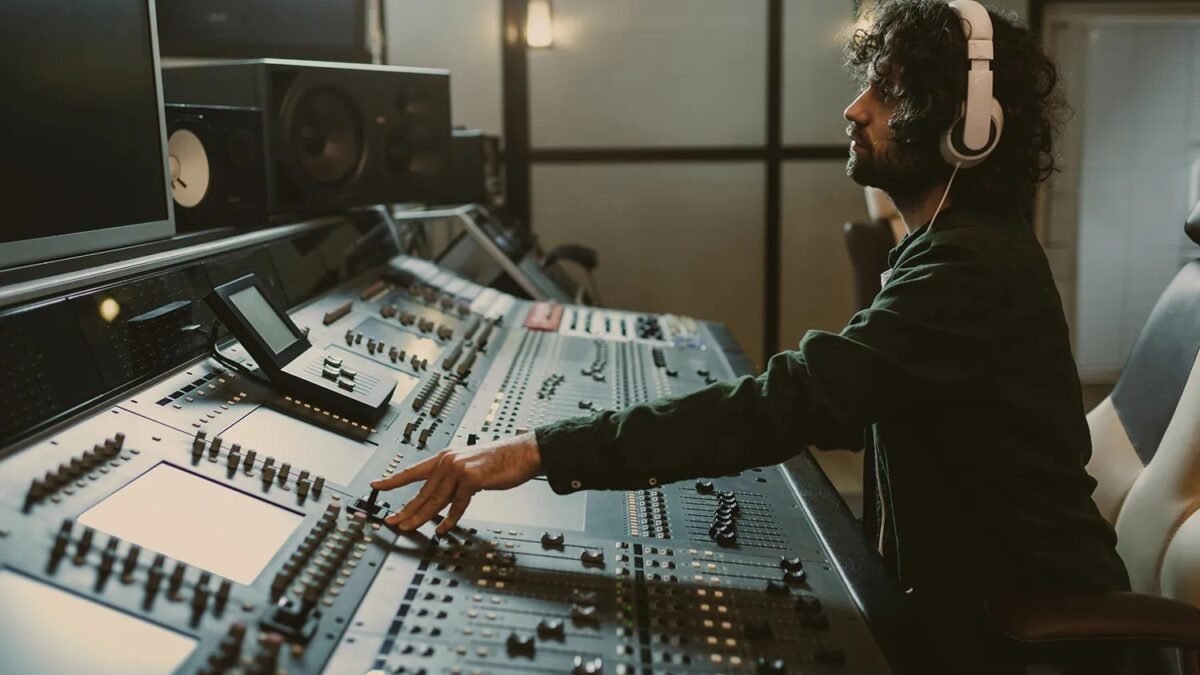
Picture locked, visuals stunning — and the audio is dead silent. Hiring a Foley artist isn’t in the budget. So: can AI generate sound effects for videos? Absolutely — text-to-sound models have gotten shockingly good, and for most content they’re now a legitimate alternative to stock SFX libraries.
Can AI Generate Sound Effects for Videos
Type “rain on a tin roof, distant thunder” and models like Stability AI’s Stable Audio, ElevenLabs’ sound effects, or Meta’s AudioGen synthesize the sound from scratch. Unlike stock libraries where you hunt through 400 variations of “door slam,” you describe exactly what you need — including timing, intensity, and mood. The best models understand surprisingly nuanced prompts: “old wooden door creaking open slowly, horror movie tension.”
Where AI SFX shines (and where it doesn’t)
Great for: ambient beds (rain, crowds, forests), whooshes and transitions, UI sounds, cartoon effects, sci-fi textures, and placeholder audio during editing. Still tricky: complex layered action (a fight scene with ten simultaneous sounds), precise sync to specific visual hits, and hyper-realistic Foley like footsteps on specific surfaces — though it’s improving fast.
My workflow: generate the big ambient and accent sounds with AI, then layer 1–2 real recorded or stock elements for the hero moments (the punch, the door slam the camera lingers on). Hybrid beats pure-AI for anything with an audience.
Best AI sound effect tools
- ElevenLabs Sound Effects — excellent prompt adherence, clean output, generous free tier. My current default.
- Stable Audio — strong on musical textures and longer ambient generations.
- MyEdit / various web tools — quick browser-based generation, fine for social content.
- Adobe’s Project Sound Lift (experimental) — separates and enhances existing audio, different job but related.
Prompting tips for better SFX
- Describe the physical cause: “leather gloves rubbing together” beats “soft friction sound.”
- Add acoustic context: “in a large empty warehouse” or “close-mic’d, dry” changes everything.
- Specify duration and dynamics: “three-second build, sudden stop.”
- Generate variations: make 3–4 takes of important sounds and comp the best parts.
- Layer: two or three simple AI sounds stacked (wind + leaves + distant dog) sound richer than one complex prompt.
Legal and commercial use
Most paid AI audio tools grant commercial rights to generated sounds — but check terms, since some free tiers restrict commercial use. One caution: don’t prompt for recognizable copyrighted sounds (famous movie effects, brand jingles). Generated audio that’s substantially similar to protected work can still cause problems.
Mixing AI sound effects like a pro
Generating the sound is half the job — mixing is what makes it feel real. The fundamentals: layering (3–4 simple sounds beat one complex one — a door slam is actually wood thud + metal latch + room tone), EQ carving (cut competing frequencies so layers don’t mush together), reverb matching (all sounds in a scene should share the same spatial character — a dry footstep in a cathedral scene breaks immersion instantly), and volume automation (real sounds have dynamics; flat levels sound synthetic).
My favorite trick: record one real element per scene. Even a phone recording of you snapping fingers or shuffling paper, layered under AI ambience, grounds the whole mix in reality. Listeners can’t identify why it sounds real — they just feel it. The uncanny valley of audio is crossed with tiny doses of the genuine article.
Free SFX resources to supplement AI generation
AI generation plus curated libraries is the winning combo. Freesound.org offers hundreds of thousands of Creative Commons sounds — real recordings with character that AI can’t quite replicate. BBC Sound Effects archive is another treasure trove. Use libraries for the hero sounds (the specific, the iconic) and AI for the infinite variations (ten different rain intensities, crowd walla in the right mood). Together they cover everything.
Build your signature sound library
Here’s a project that pays dividends forever: build a personal AI SFX library of 100–200 go-to sounds in your style. Spend a weekend generating variations of what you use most — whooshes, risers, UI clicks, ambient beds, transitions — organized by category with consistent naming. Every future project starts from your library instead of from scratch, and your work develops a recognizable sonic signature.
Quality control the library ruthlessly: only sounds you’d actually use make the cut — a library of 100 great sounds beats 1,000 mediocre ones. Normalize loudness across the library, trim silence, and add metadata (mood, intensity, duration). This is unglamorous work that makes every future project 20% faster. Professionals don’t generate sounds per project; they draw from libraries they’ve built. Start building yours now.
Practical takeaway
- Yes — AI SFX tools now rival stock libraries for most uses.
- Prompt with physical causes and acoustic context for best results.
- Layer multiple simple generations; hybrid AI + real recordings for hero moments.
- Check commercial-use terms on free tiers before publishing client work.
Keep exploring
If you found this useful, these related guides go deeper:



