
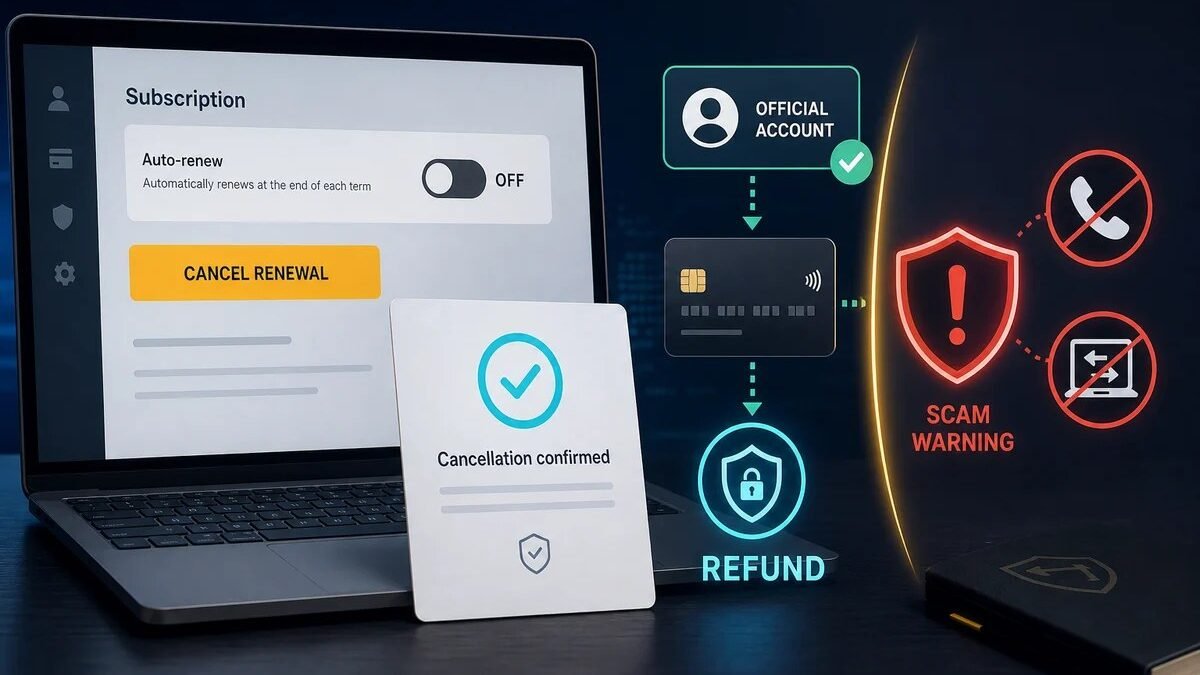
Charged for Plus when you meant to cancel? Paid for a year and regretting it? Knowing how to get a refund for ChatGPT Plus subscription can save you real money — but OpenAI’s refund policy isn’t a simple “30-day guarantee.” Here’s what the policy actually says, when refunds are granted, and the exact steps to request one.
How to Get a Refund for ChatGPT Plus Subscription
- Go to OpenAI’s help center (help.openai.com) and log in
- Open the support chat (usually bottom-right) and describe your refund request clearly: charge date, amount, reason
- State your case briefly: accidental renewal, charged after cancellation, duplicate charge, service issues — one or two sentences
- Wait for review — support typically responds within a few business days
- Check your statement — approved refunds take 5-10 business days to appear
Subscribed via Apple App Store or Google Play? You must request the refund through them, not OpenAI — Apple’s reportaproblem.apple.com or Google Play’s refund flow. Their policies are actually more consumer-friendly for recent charges.
When Refunds Are (and Aren’t) Granted
Commonly approved:
- Accidental renewal within the last few days (especially first-time)
- Charged after you canceled (with proof of cancellation)
- Duplicate charges
- Service was unusable due to extended outages
Usually denied:
- “I didn’t use it much this month” after weeks of access
- Refund requests months after the charge
- Partial-month refunds (“I used 10 days, refund the rest”) — OpenAI doesn’t prorate
- Repeated refund requests (pattern of subscribe-refund-repeat)
The pattern: OpenAI is reasonable about genuine mistakes and billing errors, not about buyer’s remorse after use. Frame your request accordingly — honest and specific beats dramatic.
Before Requesting: Check These First
- Was it actually charged? Pending authorizations (from a declined-then-retried payment) often disappear on their own — don’t request refunds for holds
- Did you cancel correctly? Canceling in ChatGPT settings doesn’t stop App Store subscriptions and vice versa — verify where you’re actually billed
- Is it worth it? If the charge is 3+ weeks old and you used the service, your odds are low — consider just canceling future renewals instead
Avoiding This Next Time
- Set a calendar reminder 3 days before renewal
- Cancel immediately after subscribing if you only need one month — you keep access until the period ends
- For organizations, Enterprise/Team billing has clearer invoicing and admin controls than individual subscriptions
- Keep subscription receipts — you’ll need charge dates for any dispute
And if you’re weighing whether to keep Plus at all versus alternatives, our Midjourney value analysis uses the same “audit your subscriptions” framework — total AI spend is what matters, not any single charge.
Disputing Through Your Bank: The Nuclear Option
If OpenAI/Apple/Google deny your refund and you believe the charge is wrong:
- Chargebacks exist for a reason: unauthorized charges, services not rendered, billing errors — legitimate dispute grounds.
- Document everything first: cancellation confirmations, support chat logs, charge dates. Banks side with the documented party.
- Consequences: chargebacks can get your OpenAI account flagged or closed — use for genuine disputes, not buyer’s remorse.
- Try support twice first: escalate within OpenAI support before the bank. Most billing issues resolve at this level.
The hierarchy: support chat → support escalation → app store dispute (if applicable) → bank chargeback. Skip levels only for clear fraud. For most people, level one resolves it — OpenAI’s support is reasonable about genuine billing errors.
Frequently Asked Questions
How long do refunds take to appear?
5–10 business days typically after approval. Pending authorizations (not real charges) disappear faster — check whether it was actually charged first.
Can I get a partial refund?
Generally no — OpenAI doesn’t prorate. It’s full-month refund or nothing, and usually only for recent charges.
What if I was charged after canceling?
Strongest refund case — provide your cancellation confirmation. This is a clear billing error; support handles these routinely.
Does requesting a refund cancel my subscription?
Not automatically — cancel separately to stop future charges. Refund = past charge; cancellation = future charges. Do both if you’re leaving.
Refund Timelines: What to Expect When
- Day 0: submit request via support chat (OpenAI) or app store portal (Apple/Google).
- Days 1–3: initial response — often automated acknowledgment, sometimes a decision.
- Days 3–7: typical decision window for straightforward cases (recent accidental charges).
- Days 7–14: complex cases or escalations; provide any requested documentation promptly.
- After approval: 5–10 business days for the refund to appear on your statement.
Total realistic timeline: 2–3 weeks from request to money back. It’s not instant, but it’s reliable for legitimate cases. The biggest accelerator is clarity in your initial request — charge date, amount, reason, and any evidence (cancellation confirmation) upfront prevents back-and-forth.
The Takeaway
To get a ChatGPT Plus refund: contact OpenAI support (or Apple/Google if you subscribed via app store), state the charge details and reason clearly, and expect a decision in days. Genuine billing errors and recent accidental renewals usually succeed; “didn’t use it” rarely does. Prevent repeats with renewal reminders and immediate cancellation for one-month needs. Act fast — recency is the biggest factor in your favor.



