
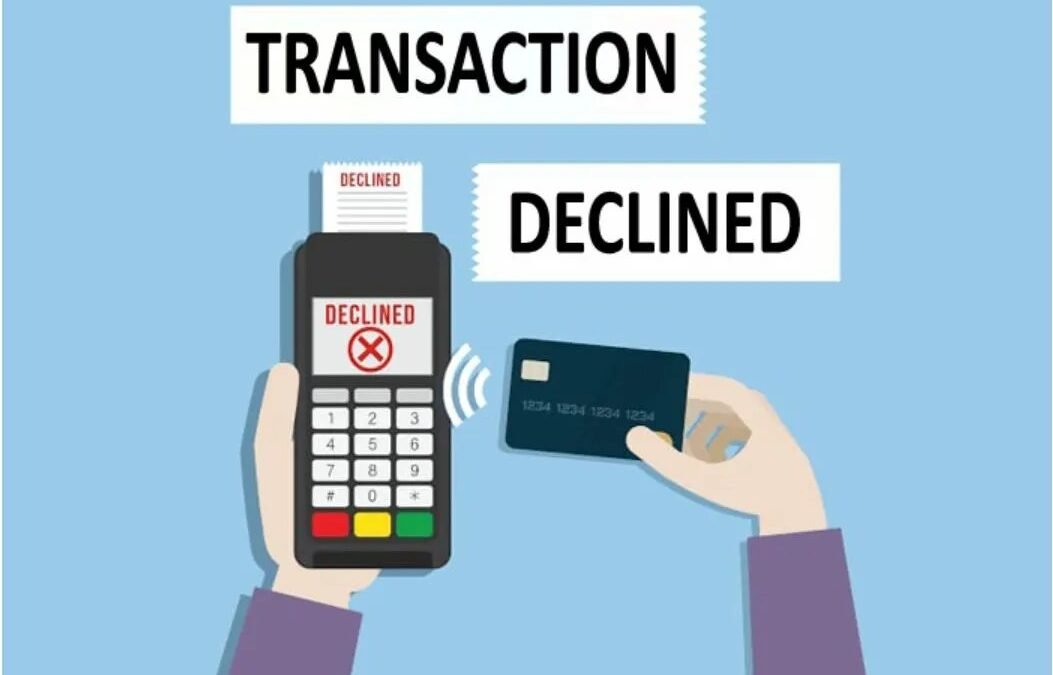
You’re ready to pay, card in hand, and the checkout says no. Why was my ChatGPT Plus payment declined? If yours was, It’s almost never about the money in your account — it’s usually bank security, regional restrictions, or a form-field mismatch. I’ve helped people through this exact frustration, and the fix is almost always on this list.
Why Was My ChatGPT Plus Payment Declined? The Common Causes
1. Your bank blocked it (most common)
Banks flag OpenAI charges because they’re international/recurring tech subscriptions — a classic fraud pattern. The fix: call your bank or approve the transaction in your banking app, then retry. Some banks need you to explicitly allow recurring international charges. This alone solves maybe half of all declines.
2. Billing address mismatch
The address you enter must match what your bank has on file — including abbreviations (“St” vs “Street”) and postal code format. International users: enter the address exactly as your bank records it, not the translated version.
3. Card type or region restrictions
- Some prepaid/gift cards don’t support recurring charges
- Certain countries have restrictions on international subscription payments
- Corporate cards often block “software/subscription” merchant categories by policy
4. 3D Secure / verification failures
If your bank requires 3D Secure (Verified by Visa etc.) and the popup fails or times out, the payment declines. Disable popup blockers for the checkout page and try again — or use a different browser.
5. App store billing issues
Subscribing via iPhone/Android? The decline comes from Apple/Google, not OpenAI — check your app-store payment method, outstanding balances, and region settings.
Step-by-Step Fix Order
- Check the basics: sufficient funds, card not expired, correct CVV
- Match the billing address exactly to your bank’s records
- Try a different browser with popups allowed (fixes 3D Secure issues)
- Contact your bank: ask them to allow the OpenAI charge / recurring international transactions
- Try a different card — debit cards often succeed where credit cards get flagged
- Try app-store billing as an alternative route (subscribe via the mobile app)
Work through these in order; most people succeed by step 4.
If Nothing Works: Alternatives
- Virtual cards from fintech apps (Wise, Revolut, etc.) often bypass regional blocks
- PayPal where supported — adds a layer banks trust more
- Gift cards via app store: buy credit with cash, subscribe through the app
- Full rundown of card-free options in our guide to paying for Plus without a credit card
And if you were charged despite the decline message (double-charge fear), check your statement for pending vs. posted charges — pending authorizations usually drop off. For actual billing disputes, how to get a ChatGPT Plus refund covers the process. Annual-billing users should also check yearly plan details since larger charges get flagged more often.
Preventing Future Payment Problems
Once it’s working, keep it working:
- Use a dedicated card: a card used only for subscriptions avoids the “which card was it” confusion and isolates fraud alerts.
- Enable transaction alerts: instant notifications catch failures before they cause access gaps.
- Update before expiry: set a reminder for the card’s expiry month — update the payment method before it lapses.
- Keep a backup method: where supported, add a second payment method to avoid service interruption.
- Annual calendar check: once a year, verify the card, billing address, and that the subscription is still wanted.
Payment failures cause more than declined charges — they cause access gaps at the worst moments (mid-project, mid-deadline). Five minutes of prevention beats an hour of mid-crisis troubleshooting. Treat your AI subscription like any critical SaaS: monitored, backed up, and audited.
Frequently Asked Questions
Will I lose access immediately if payment fails?
Usually there’s a grace period with retry attempts — but don’t rely on it. Fix payment issues promptly; repeated failures eventually suspend.
Can I change my billing date?
Not directly — but canceling and resubscribing on your preferred date effectively resets it. You keep access through the current period either way.
Why did a previously-working card start failing?
Common causes: card reissued with new number, bank policy changes on international/recurring charges, expired 3D Secure enrollment. Call the bank — it’s usually their side.
Is it safe to save my card with OpenAI?
Standard practice — OpenAI uses PCI-compliant processors. For extra caution, virtual card numbers (from your bank or fintech app) limit exposure.
The Takeaway
Declined ChatGPT Plus payments are almost always bank security blocks, address mismatches, or 3D Secure hiccups — not real payment problems. Call your bank, match your billing address, allow popups, and retry. If cards keep failing, app-store billing with gift cards is the reliable workaround. Don’t let a fraud filter stand between you and the subscription — but also don’t retry 10 times in an hour; that looks like fraud and makes it worse. One calm pass through the steps above resolves it. Support is at OpenAI’s site if you need a human.



