
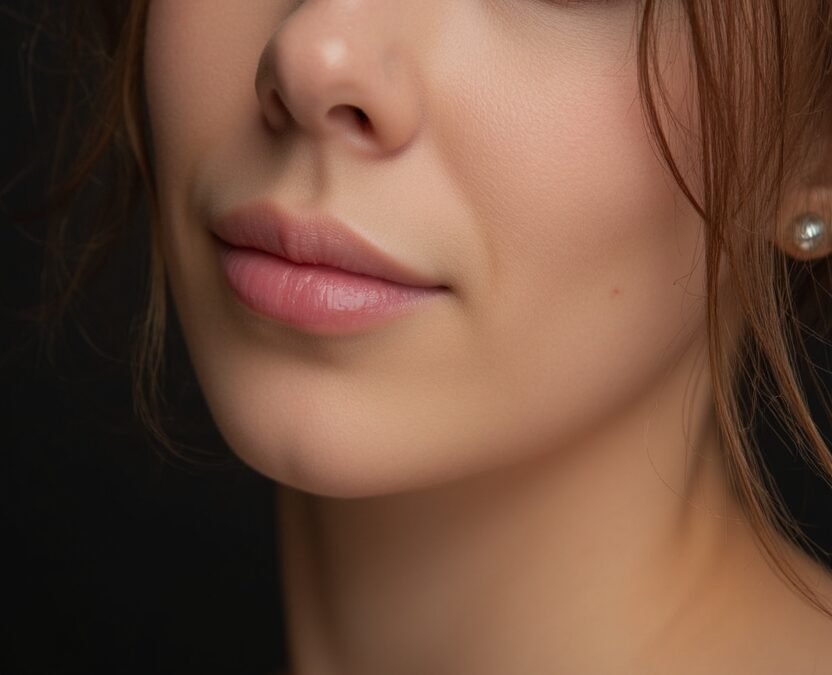
Learning how to get photorealistic images with Midjourney is about fighting the tool’s natural instincts. Midjourney defaults to beautiful, slightly stylized, painterly output — gorgeous, but obviously generated. Photorealism requires specific prompting techniques, the right parameters, and knowing which details sell realism to the human eye. Here’s the complete playbook.
Why Midjourney Defaults Aren’t Photorealistic
Midjourney’s training and tuning favor aesthetic beauty over photographic accuracy. Default outputs have perfect lighting, flawless skin, idealized compositions — the “too perfect” quality that reads as AI. Real photographs have imperfections: noise, awkward moments, imperfect lighting, mundane details. Photorealism isn’t about more beauty; it’s about more truth, including the unglamorous parts. Every technique below works by pushing the model away from beautification toward documentation.
How to Get Photorealistic Images With Midjourney: Core Techniques
1. Use –style raw
The single most important parameter. --style raw reduces Midjourney’s automatic beautification, producing more literal, photographic interpretations of your prompt. Compare the same prompt with and without it — the difference is immediately obvious. For photorealism work, this should be your default.
2. Specify photographic details
Prompt like a photographer describing a shot, not an artist describing a vision:
- Camera and lens: “shot on 85mm f/1.4,” “35mm film,” “medium format.” These aren’t just flavor — they encode specific depth-of-field and perspective characteristics.
- Film and processing: “Kodak Portra 400,” “candid 35mm film photo,” “slight film grain.” Film references add the imperfections realism needs.
- Lighting as a photographer sees it: “harsh midday sun with hard shadows,” “fluorescent office lighting,” “overcast daylight” — not just “beautiful lighting.” Ugly-but-real lighting sells realism.
- Candid framing: “candid,” “unposed,” “caught mid-gesture,” “slightly off-center framing.” Posed perfection reads as generated; candid imperfection reads as photographed.
3. Add realistic imperfections deliberately
“Slight motion blur,” “shallow depth of field with soft background,” “natural skin texture with visible pores,” “flyaway hairs,” “wrinkled clothing.” These details feel counterintuitive — why ask for flaws? Because flawless is the tell. Our guide to making AI images not look fake explores this principle across generators.
4. Avoid the beauty words
Cut “beautiful,” “stunning,” “breathtaking,” “masterpiece,” “ultra-detailed,” “8k” from photorealism prompts. These push toward idealized rendering. Replace with documentary language: “amateur photo,” “snapshot,” “documentary photograph,” “phone photo.” Some of the most convincing photorealistic Midjourney images use deliberately mundane descriptors.
5. Get specific about the mundane
Real photos contain boring details AI often skips: cluttered backgrounds, price tags, trash cans, power lines, imperfect signage. Prompting these in — “cluttered kitchen counter with dishes in sink,” “street with visible power lines and parked cars” — grounds images in reality. Perfection is suspicious; clutter is convincing.
Example Prompts: Before and After
Generic (stylized result):
/imagine beautiful woman portrait, stunning, ultra detailed, 8k --ar 2:3
Result: gorgeous, flawless, obviously AI.
Photorealistic:
/imagine candid 35mm film photo of a woman in her 40s laughing at outdoor cafe, natural skin texture, flyaway hairs in breeze, harsh afternoon sun with hard shadows, cluttered table with coffee cups, slightly tilted framing, Kodak Portra 400 grain --ar 2:3 --style raw
Result: reads as a real photograph to most viewers.
The difference isn’t magic — it’s specificity about photographic reality rather than beauty.
Handling Persistent Problem Areas
- Hands: still the hardest. Pose prompts that hide or simplify hands: “hands in pockets,” “holding coffee mug” (occluded fingers), “arms crossed.” Our article on fixing deformed AI hands covers repair techniques.
- Text and signage: avoid readable text in photorealistic images, or keep it minimal and blurred-background. AI text rendering has improved but remains unreliable.
- Skin: “natural skin texture” and “visible pores” are essential prompts; without them you get the plastic-skin tell. Film grain helps enormously here.
- Background people: crowds and background figures often have subtle wrongness. Shallower depth of field (blurred backgrounds) hides this elegantly.
Post-Processing for Extra Realism
A light post-processing pass sells photorealism further: add subtle film grain, slight chromatic aberration, gentle vignetting, and realistic color grading (slightly lifted blacks, natural white balance). These are standard photographic treatments — applied to AI images, they bridge the final gap between “generated” and “photographed.” Don’t overdo it; heavy filters look stylized, which defeats the purpose.
Ethics Note: With Realism Comes Responsibility
Photorealistic AI images that are indistinguishable from photos carry real risks — misinformation, fake evidence, non-consensual imagery. Our guide to making AI images undetectable discusses where the lines are. Use these techniques for legitimate creative work, disclose AI involvement where required, and never create photorealistic images intended to deceive. The skill is neutral; the application isn’t.
Studying Real Photography (The Secret Weapon)
Here’s the meta-tip most guides miss: the best way to prompt photorealistic images is to study actual photography. Spend time on photography communities and notice what real photos look like — the awkward crops, the blown highlights, the genuine moments. Build a mental library of photographic reality, then describe that in your prompts instead of describing an idealized image. Prompt engineers who are also photographers consistently produce the most convincing photorealistic AI images, because they’re prompting from visual memory of reality rather than imagination of beauty. Your eye is the ultimate tool; Midjourney is just the brush.
For more background, see Wikipedia’s Midjourney article and Midjourney’s official site.
The Takeaway
Photorealistic Midjourney images come from fighting beautification: --style raw, photographic specificity (cameras, film, real lighting), deliberate imperfections, mundane details, and documentary language instead of beauty words. Study real photography, prompt the unglamorous truth of it, and finish with light photographic post-processing. The goal isn’t prettier images — it’s truer ones.



