
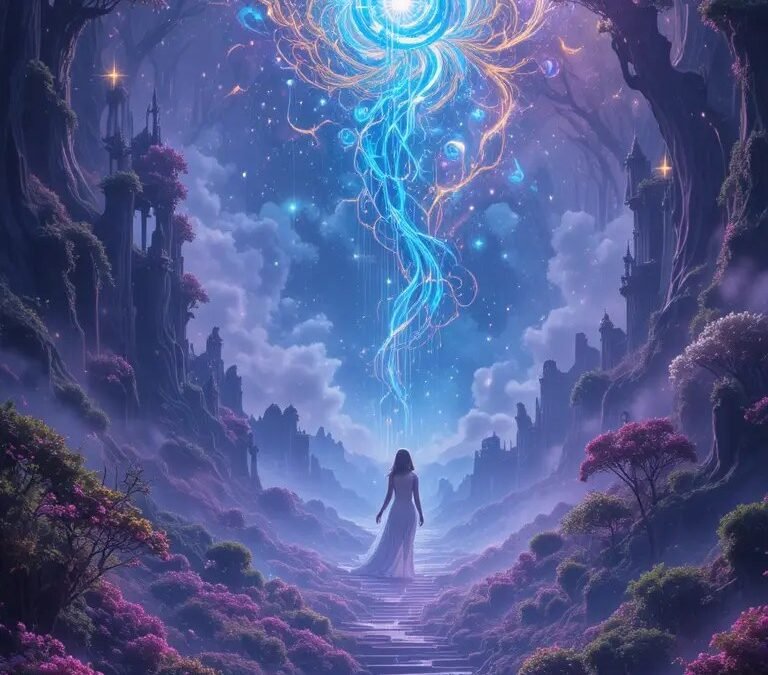
Learning how to use Midjourney for beginners is easier than it looks — and more rewarding than you’d expect. Midjourney is the AI image generator famous for producing stunning, artistic images from simple text descriptions, and while it has a few quirks (yes, you start in Discord), you can go from zero to impressive generations in under an hour. This guide covers everything a complete beginner needs.
What Midjourney Is (And Isn’t)
Midjourney is an AI image generation service that turns text prompts into images, known for particularly beautiful, artistic, painterly output. Unlike some competitors, it doesn’t run in a simple web form — historically it operated through Discord, though web interfaces have expanded access. It’s a paid service (more on pricing below), and it excels at artistic, stylized, and photorealistic imagery alike. For context on the broader landscape, our guide to whether Midjourney is free covers costs in detail.
How to Use Midjourney for Beginners: Getting Started
Step 1: Create an account and subscribe
Head to the Midjourney website, sign up, and choose a plan. There’s no permanent free tier — you’ll need a subscription to generate images. Pick the basic plan to start; you can upgrade if you catch the bug (many do).
Step 2: Find your way to the generator
Depending on current access methods, you’ll generate either through Discord channels or the web interface. In Discord, you type /imagine followed by your prompt in a designated bot channel. On the web interface, it’s a straightforward prompt box. Either way, the prompt is the whole game.
Step 3: Write your first prompt
Start simple: /imagine a cozy cabin in snowy mountains at sunset, warm light in windows. Midjourney generates four image options. You’ll see them appear as a grid — this takes roughly a minute. Congratulations, you’re now generating AI art.
Step 4: Iterate with variations and upscales
Under your image grid, you’ll see buttons: U1–U4 upscale individual images to higher resolution; V1–V4 create variations of a specific image. This is the core creative loop: generate, pick the promising one, vary it, upscale the winner. Most good Midjourney images come from 3–5 rounds of this, not from a single perfect prompt.
Writing Prompts That Actually Work
Prompt craft is the skill that separates mediocre results from stunning ones. The formula beginners should learn:
Subject + details + style + lighting + composition + parameters
- Subject: be specific. Not “a dog” but “an elderly golden retriever with gray muzzle fur.”
- Details: environment, clothing, objects, mood. The more concrete, the better.
- Style: “oil painting,” “cinematic photograph,” “anime key visual,” “1970s sci-fi poster.” Style words dramatically change output.
- Lighting/mood: “golden hour,” “moody rim lighting,” “soft morning light.” Lighting is half of what makes images beautiful.
- Composition: “close-up portrait,” “wide establishing shot,” “aerial view.”
- Parameters:
--ar 16:9for widescreen aspect ratio,--style rawfor more photographic/less beautified output,--v 7for the latest model version.
Example of a complete beginner-to-intermediate prompt:
/imagine elderly fisherman mending nets on weathered wooden dock, foggy harbor at dawn, cinematic photograph, soft diffused light, medium format film look, contemplative mood --ar 16:9 --style raw
Beginner Mistakes to Avoid
- Prompting too vaguely, then complaining. “Cool dragon” gets you a generic cool dragon. Specificity is the entire skill.
- Expecting the first generation to be perfect. Midjourney is iterative. Budget 4–5 generations per final image.
- Ignoring aspect ratio. Default is square. If you want wallpaper, video thumbnails, or print, set
--arupfront. - Overloading with contradictory styles. “Photorealistic oil painting anime pixar style” confuses the model. Pick one lane.
- Forgetting hands and text. AI still struggles with hands and readable text (our article on AI hands problems explains why). Design around it: gloves, pockets, angles that hide hands; avoid text in images.
What You Can Do With Your Images
Generated images work for personal projects, mockups, inspiration boards, and — depending on your plan’s terms — commercial use. Paid subscribers generally receive commercial rights to images they generate, but read the current terms carefully, especially for client work. Our guide to selling AI-generated images covers the commercial landscape, and using AI images in client work ethically handles the professional ethics.
Leveling Up: Next Steps
- Study good prompts. Midjourney’s community galleries let you see prompts behind impressive images. Reverse-engineering these teaches faster than any tutorial.
- Learn image prompting. You can feed Midjourney reference images to guide composition and style — powerful for consistent results.
- Explore photorealism. Once comfortable, our guide to photorealistic Midjourney images takes you deeper.
- Try editing workflows. Midjourney’s editor lets you modify parts of generated images — useful when generations are 90% perfect (see our piece on removing unwanted elements).
The Takeaway
Midjourney rewards two things: specific prompts and iterative patience. Start with the basic plan, learn the subject-style-lighting-composition formula, embrace the generate-vary-upscale loop, and study what the community produces. Within a week of regular play, you’ll be making images that surprise you — and within a month, you’ll have developed an intuition for prompting that’s genuinely a creative skill. The learning curve looks steep from outside; from inside, it’s just fun.



