
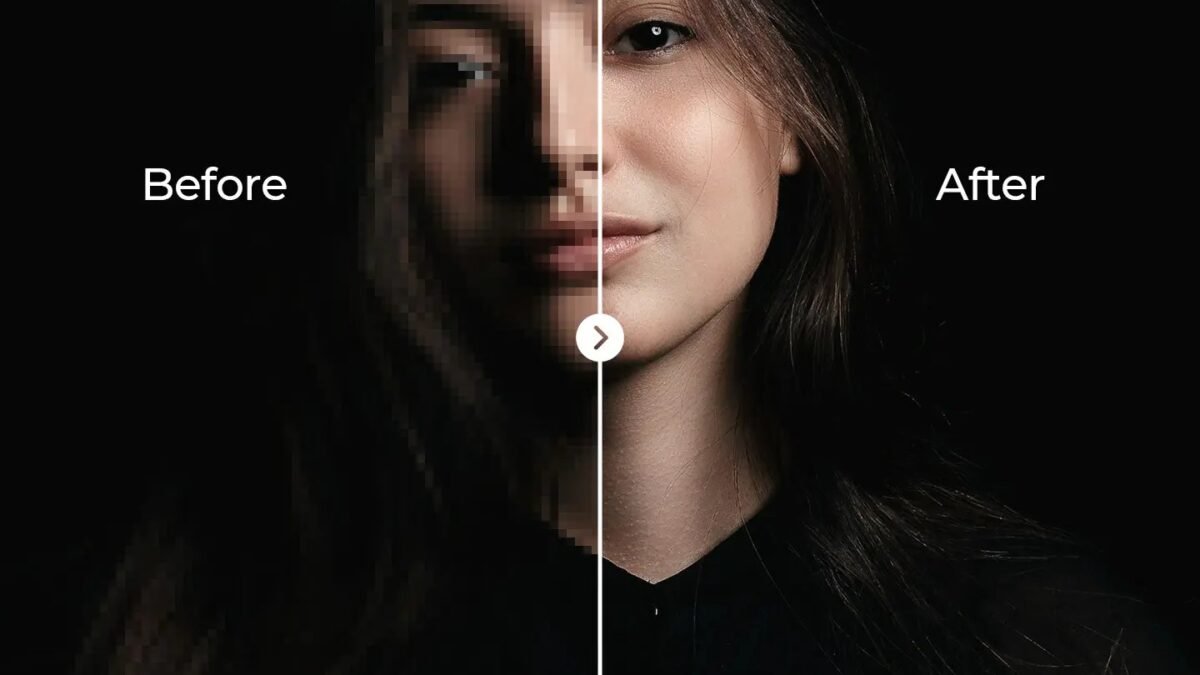
Six fingers. Melted faces. Text that looks like alphabet soup. We’ve all seen AI images gone wrong — and negative prompts are the fastest fix. What are the best negative prompts for clean images? After generating thousands of images across Midjourney, Stable Diffusion, and DALL-E variants, I’ve built a battle-tested list of negative prompts that consistently produce cleaner, more professional results. Here’s the full guide.
What Negative Prompts Actually Do
Quick primer: a negative prompt tells the image model what to avoid. Instead of writing “no blurry hands” in your main prompt (which image models often ignore — they struggle with negation), you put unwanted elements in the dedicated negative prompt field/parameter. The model then steers away from those concepts.
Why this works better than writing “no X” in your prompt: image models match concepts statistically, and the word “hands” in “no hands” still activates hand-concepts. The negative prompt parameter is engineered to suppress concepts rather than invoke-then-negate them. It’s a real technical difference, not just convention.
The Universal Negative Prompt (Copy-Paste Starter)
Here’s my default negative prompt that I use as a starting point for photorealistic and professional images:
blurry, low quality, distorted, deformed, ugly, bad anatomy, extra limbs, missing limbs, fused fingers, too many fingers, mutated hands, poorly drawn hands, watermark, text, logo, oversaturated, grainy, noisy
This single string eliminates maybe 70% of common AI image flaws. Customize from here based on your style.
Best Negative Prompts by Problem
For clean hands and anatomy
bad anatomy, deformed hands, mutated hands, extra fingers, missing fingers, fused fingers, poorly drawn hands, disfigured, malformed limbs
Hands remain AI’s hardest problem. This cluster helps enormously, though it’s not perfect — for critical close-ups of hands, expect to generate multiple variations.
For professional/photorealistic looks
cartoon, anime, illustration, painting, drawing, CGI, 3d render, oversaturated, HDR, watermark, stock photo, lowres, blurry
Use when you want something that looks like a real photograph, not digital art.
For clean backgrounds
cluttered, busy background, distracting elements, crowded, messy
Essential for product shots, portraits, and anything where the subject should pop.
For avoiding text gibberish
text, watermark, logo, signature, distorted text, gibberish, letters
Unless you specifically want text in the image (newer models like GPT Image handle this better — see our text-in-posters guide).
For anime/stylized (inverse — avoid photorealism)
photorealistic, real photo, 3d, CGI, western cartoon style
Negative prompts work both directions — suppress the styles you don’t want.
Platform Notes
- Stable Diffusion: full negative prompt support — this is where the technique shines brightest. Every generation should have one.
- Midjourney: uses
--noparameter (e.g.,--no text, watermark) rather than a separate field. Same concept, different syntax. More on Midjourney in our Midjourney guide. - DALL-E / GPT Image: limited direct negative prompt support — phrase avoidances carefully in the main prompt instead.
For the broader skill of image prompting, see image vs text prompting. And if photorealism is your goal, our realistic photo models guide covers which models respond best.
Common Mistakes
- Negating everything. A 50-term negative prompt can over-constrain the model and produce bland results. Start with 8-12 terms targeting your actual problems.
- Contradicting your prompt. Don’t put “photorealistic” in your prompt and “photo” in your negative. The model gets confused and you get mush.
- Same negatives for every style. “Cartoon” is a great negative for photos and a terrible negative for anime. Match negatives to your target style.
- Expecting miracles. Negative prompts reduce flaws; they don’t fix fundamentally bad prompts or wrong model choices.
What Are the Best Negative Prompts for Clean Images Without Artifacts?
Negative prompts — telling the image model what to avoid — are the most underused tool in image generation. The essential list: “blurry, low quality, distorted, deformed hands, extra fingers, watermark, text, logo, oversaturated, noisy.” These target the most common AI image failures.
Hands deserve special attention: they’re still the classic AI tell. “Deformed hands, extra fingers, fused fingers” in the negative prompt meaningfully reduces (not eliminates) the problem. For portraits, add “asymmetric face, distorted facial features.”
Keep negative prompts focused — a dozen well-chosen terms beat fifty random ones. And pair them with positive specificity: negatives remove problems, but only detailed positive descriptions create quality. For free generation options to practice with, see how to use DALL-E for free, and Midjourney’s documentation for parameter-level control.
For portraits specifically, extend your negatives: asymmetric eyes, distorted mouth, extra limbs, merged fingers, deformed ears. And add positives that counter known weaknesses: symmetrical face, natural hands, sharp focus on eyes. Portrait generation is where negative prompts pay the highest dividends — faces get the most scrutiny.
The Bottom Line
What are the best negative prompts for clean images? Start with the universal list above, add problem-specific clusters for hands/anatomy/text, match negatives to your target style, and keep the list focused rather than exhaustive. It’s the single highest-ROI technique in AI image generation — thirty seconds of negative prompting saves you from generating twenty variations hoping one comes out clean.




1 Comment