
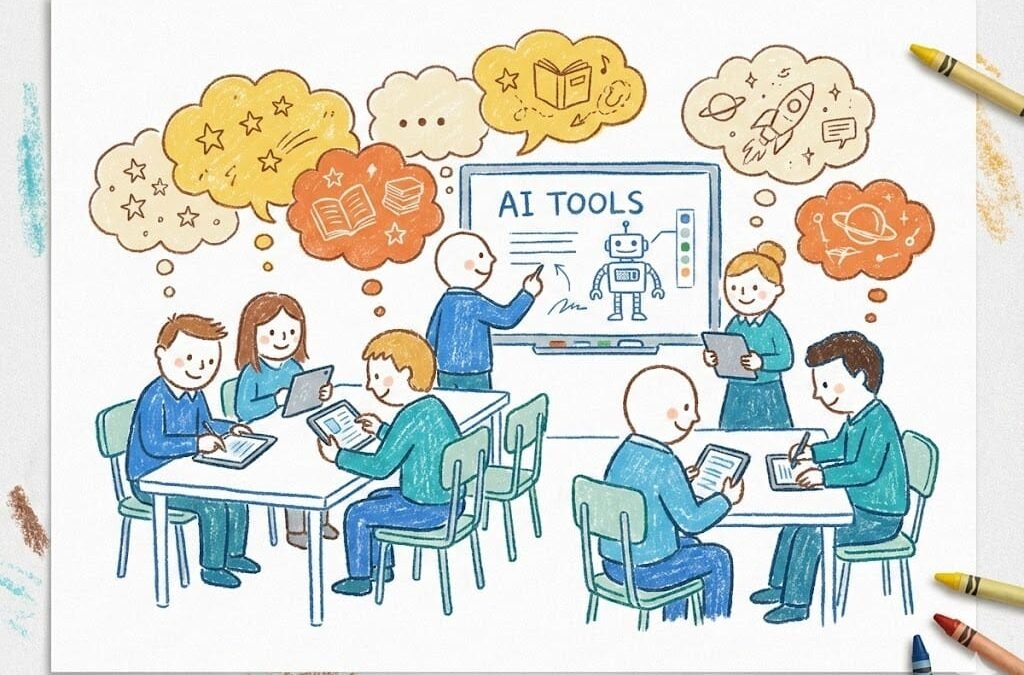
Creative school projects — the short film, the original story, the art installation, the podcast — are where students do their most memorable work. And they’re where AI gets most interesting, because using AI for creative school projects isn’t about shortcuts; it’s about expanding what’s possible. A student with AI assistance can attempt projects that were previously out of reach. Here’s how to do it well and honestly. This guide covers How to use AI for creative school projects — clearly, honestly, and without the fluff.
How to use AI for creative school projects: What Actually Works
- Brainstorming at scale. “Give me 30 concepts for a short film about memory, ranging from realistic to surreal.” AI is a tireless brainstorming partner — you provide the taste, it provides the volume. The best ideas usually come from reacting to its suggestions (“no, but what if…”).
- Skill gap bridging. You have a vision for a poster but can’t draw? AI image tools generate concept art you art-direct. You wrote a song but can’t produce? AI music tools create backing tracks. The creative vision stays yours; AI fills execution gaps.
- Feedback and iteration. “Here’s my story draft — where does the pacing drag? Which character feels flat?” AI gives structural feedback instantly, at 11 PM, without judgment. Iterate five times in an evening.
- Research and reference. “What did 1920s street photography look like? Show me the visual language.” Instant reference material for historically-grounded projects.
- Technical scaffolding. Video editing timelines, website builders for digital portfolios, formatting for zines — the unglamorous work AI handles fast.
Project Ideas That Shine With AI Assistance
AI-assisted documentary: research with AI, interview real people yourself, use AI to help structure the narrative. Choose-your-own-adventure story: you write the key branches, AI helps maintain consistency across dozens of paths. Historical fiction podcast: AI helps with period research and script structure; you write the dialogue and perform it. Art series with a concept: you define the artistic vision and curation; AI generates variations you select and refine — and the selection is the art. Interactive website: you design the experience; AI helps with the code (see learning coding with AI).
The Ethics: Disclose and Direct
Creative work has its own ethical dimension. Disclose AI involvement — “concept art generated with AI, curated and directed by me” — the way filmmakers credit VFX. Disclosure isn’t confession; it’s craft transparency. Keep the creative decisions yours. The test from the cheating question applies: if the AI made the creative choices, it’s the AI’s project. If you made the choices and AI executed, it’s yours.
Check your school’s policy — some assignments restrict AI; know before you start. And think about what you’re learning: if the project’s goal was learning watercolor technique, AI-generating the painting defeats it; if the goal was visual storytelling, AI is a legitimate medium. Match the tool to the learning objective, and discuss it with your teacher upfront — “here’s how I plan to use AI in this project” — which usually earns support rather than suspicion. For classroom settings, AI-assisted classroom activities show how teachers are embracing this.
Judging and Showcasing AI-Assisted Work
As AI-assisted projects become normal, the question shifts to evaluation: how should teachers (and science fairs, and art shows) judge work made with AI help? Judge the creative decisions, not the production polish. An AI-polished video with no original thinking should score below a rough video with a genuine vision. Rubrics should weight: originality of concept, quality of creative choices (why this shot, this edit, this color?), intentionality of AI use (was it directed purposefully or decorative?), and the student’s ability to articulate their process.
Require process documentation: a short “director’s statement” covering what the concept is, what AI tools were used and for what, what creative decisions the student made, and what they’d do differently. This is both assessment and ethics education — it makes the human contribution visible and discussable. Showcase categories: forward-thinking fairs now include AI-assisted categories alongside traditional ones, the way photography was once a separate category from painting. The parallel is instructive: every creative technology (camera, synthesizer, Photoshop) went through a “is it real art?” phase before being judged on results. AI is in that phase now. The students who’ll thrive are the ones developing taste — the ability to direct AI toward genuinely moving work. Taste was always the scarce resource in creative fields; AI just made it obvious.
Your next project: pick one upcoming creative assignment and plan the AI collaboration deliberately — decide in advance which parts are yours (concept, creative decisions, curation) and which parts AI assists (brainstorming volume, technical execution, feedback). Write that plan down, share it with your teacher, and watch how much stronger the work becomes when the collaboration is intentional rather than accidental.
The Takeaway
Use AI to brainstorm broadly, bridge skill gaps, get tireless feedback, and handle technical scaffolding — while keeping creative direction, disclosure, and the learning objective firmly yours. The most exciting student projects of the next decade will be human-AI collaborations; make yours one of them.
Inspiration: Khan Academy’s creative computing courses pair well with AI assistance.



