
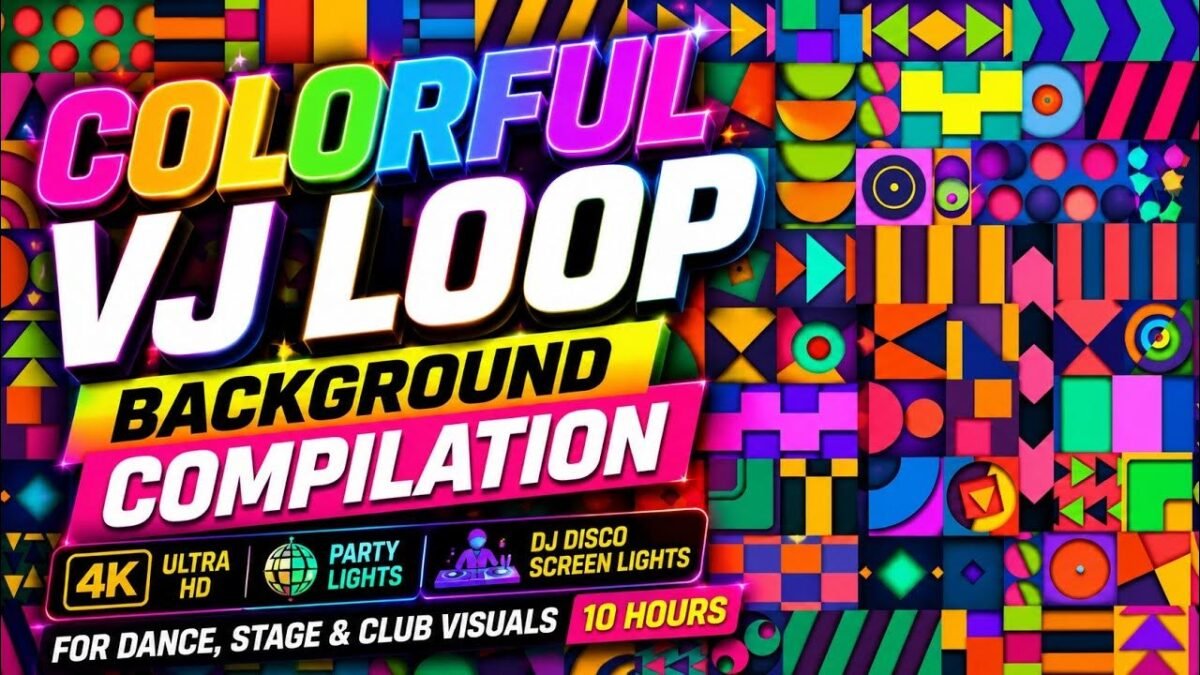
Can AI generate usable YouTube thumbnails? Thumbnails are the highest-leverage asset in YouTube — often determining success more than the video itself — so this question matters enormously. The answer: yes, AI generates genuinely usable thumbnails, and top creators use them in their workflows. But “usable” has gradations, and the difference between a thumbnail that gets clicks and one that gets ignored comes down to strategy more than generation quality. Here’s the full picture.
Why Thumbnails Are Uniquely Suited to AI Generation
Thumbnails play to AI’s strengths and dodge its weaknesses: they’re single images (no temporal coherence needed), viewed small (flaws hide at 120px wide), stylized by convention (exaggerated expressions and bold design are the norm, not photorealism), and iterated rapidly (generate 5 options, pick the best). The thumbnail game is about impact at small size — contrast, emotion, curiosity — which AI handles well when directed properly.
Can AI Generate Usable YouTube Thumbnails? What Works
The AI thumbnail workflow
- Start with strategy, not generation. Define the thumbnail’s job: what emotion (shock, curiosity, desire)? What curiosity gap? What single focal point? The best thumbnail creators sketch concepts before generating — AI executes strategy, it doesn’t create it.
- Generate the base image with thumbnail-specific prompting: “extreme close-up, exaggerated surprised expression, dramatic lighting, high contrast, simple uncluttered background, YouTube thumbnail style.” Specify the emotional beat and keep compositions simple — complexity dies at thumbnail size.
- Add text separately in your editor (Photoshop, Canva, Figma). AI text rendering at thumbnail scale is unreliable; manual typography gives you the bold, readable, high-contrast text thumbnails need. Our text-in-image guide (readable AI text) explains the limitations.
- Apply thumbnail design principles: 3-color max palette, huge readable text (3–4 words), faces with strong emotion occupying 30%+ of frame, high contrast, consistent brand elements.
- Generate variations — 3–5 per video minimum. Test different emotions, compositions, and text. The thumbnail you think wins often loses to an alternative.
What AI thumbnails do well
- Speed: 5 thumbnail concepts in the time manual design takes for one. More options = better selection.
- Style consistency: locked prompts produce cohesive channel aesthetics across hundreds of thumbnails.
- Concept exploration: wild ideas you’d never sketch get tested in seconds — some winners come from unexpected directions.
- Faces and expressions: AI generates the exaggerated emotions thumbnails need reliably (and consistently — our character consistency guide: consistent characters helps for recurring presenter faces).
Where human finishing matters
- Text and typography: always manual. Thumbnail text is a design discipline — font choice, sizing, stroke, placement. AI can’t do this reliably.
- Brand consistency: ensuring thumbnails read as yours across the channel — color systems, layout templates, recurring elements.
- Click-worthiness judgment: AI generates options; you choose. The taste to pick the winner is the actual skill.
- A/B testing: YouTube’s thumbnail testing features let data decide. Run tests; let CTR pick winners over your instincts.
Thumbnail Strategies by Niche
- Education/explainers: clear visual metaphor + bold text promise. Curiosity gap: “you don’t know this.”
- Entertainment: peak emotional moment + minimal text. Curiosity gap: “you won’t believe what happens.”
- Finance/business: authority + specific numbers. Curiosity gap: “the strategy they don’t teach.”
- Gaming: action moment + expressive reaction. Curiosity gap: “impossible play.”
- Lifestyle: aspirational imagery + transformation promise. Curiosity gap: “before/after.”
AI adapts to each with appropriate prompting, but the strategy — which curiosity gap your audience responds to — comes from niche knowledge and testing.
Common AI Thumbnail Mistakes
- Over-detailed images: complexity that looks great full-size becomes mud at 120px. Simplify aggressively.
- AI-generated text: garbled thumbnail text destroys credibility instantly. Always add text manually.
- Generic beauty: pretty but unclickable. Thumbnails need tension — emotion, contrast, mystery — not just aesthetics.
- Inconsistent branding: random styles across videos prevent channel recognition. Lock a visual system.
- Clickbait disconnect: thumbnails promising what the video doesn’t deliver get clicks and kill retention (and trust). The algorithm notices.
- Ignoring mobile: 70%+ of YouTube viewing is mobile. Design for the small screen first.
Building a Thumbnail Testing Habit
The creators with the best thumbnails share one habit: systematic testing. YouTube’s built-in A/B testing lets you trial multiple thumbnails per video — use it on every upload, not just important ones. Over months, patterns emerge: your audience prefers faces over objects, or text-heavy over clean, or a specific color. These learnings compound into a channel-specific thumbnail formula that’s worth more than any generation trick. AI makes producing test variants cheap; the testing habit makes them valuable. Never stop testing — audience tastes evolve, and what won last year may lose today.
For more background, see YouTube’s official site.
The Takeaway
AI generates genuinely usable YouTube thumbnails — fast concepts, consistent styles, strong emotional imagery — when directed by thumbnail strategy and finished with manual typography and brand judgment. The workflow: strategize the curiosity gap, generate base options, add text manually, apply design principles, create variations, and let A/B testing pick winners. AI handles production; you handle the psychology of the click. Master both, and thumbnails become your channel’s unfair advantage.



