
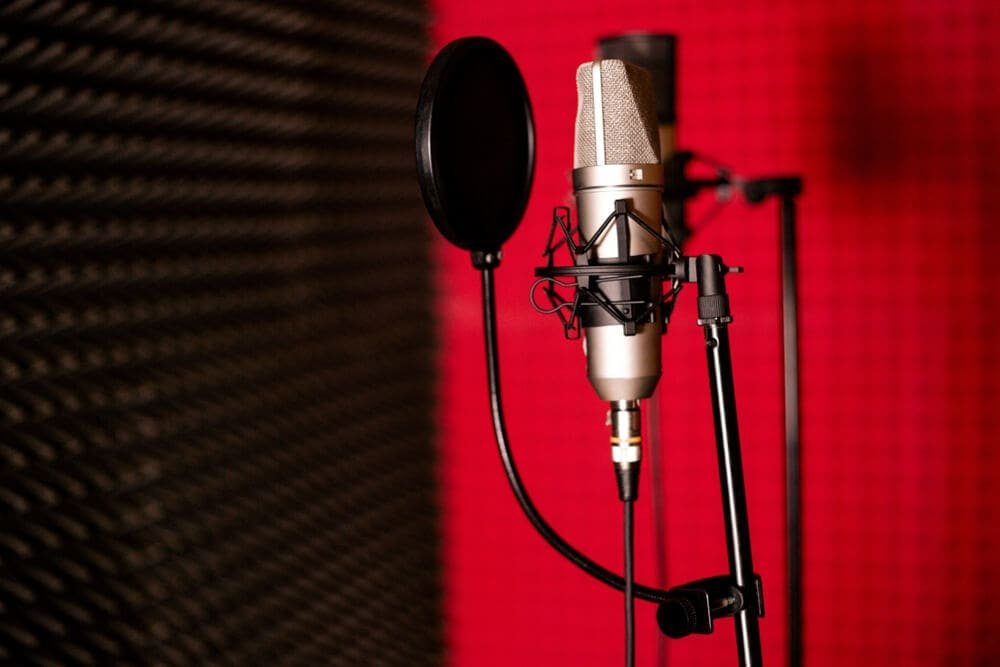
If you narrate regularly — YouTube, courses, podcasts — your voice is your brand, and inconsistency (sick days, different mics, tired voice) breaks it. Here’s how to clone your voice for consistent narration so every project sounds like your best day in the studio.
How to Clone Your Voice for Consistent Narration
The pitch isn’t replacing yourself — it’s consistency at scale: fix a mispronounced word without re-recording, produce content while traveling or sick, maintain identical vocal quality across a 50-video course, and localize into other languages in your own voice. Think of it as a vocal safety net, not a replacement.
Step 1: Record your training data right
Record 30–60 minutes of clean, varied speech: your natural narration style, different energies (energetic intro, calm explanation, emphatic points), and varied content. Quiet room, consistent mic distance, WAV format. Include the quirks of your narration — your pacing, your emphasis patterns — because the clone will reproduce exactly how you read, good habits and bad.
Step 2: Choose your platform
- ElevenLabs: best overall quality and voice control; Professional Voice Cloning for the serious tier.
- Descript: great if you edit in Descript — Overdub integrates cloning with text-based editing.
- PlayHT: strong quality, good API for automated workflows.
Step 3: The consistency system
- Lock your settings. Document the exact voice ID, stability, and style settings. Same settings every time — this is your “vocal preset.”
- Write for the clone. Punctuate deliberately (commas = pauses), break long sentences, mark emphasis. You already know how the clone reads — write to its strengths.
- Generate in sections. Per-paragraph or per-scene generation keeps energy consistent and makes fixes surgical.
- Build a QA ritual. Listen to every generation at 1x (not skimmed). Check: pronunciation of names/terms, energy matches the section, no weird artifacts.
- Keep a pronunciation dictionary. Log every corrected word and its phonetic spelling. Future projects inherit the fixes.
- Version your voice. If you re-train with better data, keep the old model labeled — ongoing series must match earlier episodes.
Blending clone with real recordings
Many narrators use a hybrid: record the important/emotional sections live, clone the routine parts. To blend seamlessly, match the processing chain (same EQ/compression on both) and avoid placing them back-to-back where the switch is obvious — transitions and music beds hide seams.
Maintaining voice consistency across long projects
Courses, audiobooks, long video series — consistency over hours of content is the real challenge. The system: lock everything (voice ID, model version, stability settings, style exaggeration — document the full configuration and never change it mid-project). Generate in consistent conditions — same script formatting conventions, same section lengths, same time of day if you’re directing energy (it affects how you write prompts). Reference anchors: keep 3–5 “golden” samples from early in the project; when new generations feel off, A/B against the anchors to identify drift.
Batch similar content together: generate all high-energy sections in one session, all calm sections in another — the model’s consistency is better within sessions than across them. Version your voice model explicitly; if the platform updates the underlying model mid-project (it happens), you need to know so you can test for voice changes before continuing.
Quality assurance at scale
For large projects, sample-based QA beats exhaustive review: randomly check 10–15% of generations fully, plus targeted checks on known trouble spots (proper nouns, emotional peaks, section transitions). Train a QA checklist: pronunciation, energy match, artifacts, pacing. The Descript workflow (with its Overdub voice cloning integrated into text-based editing) is particularly strong for long-form consistency work — corrections propagate naturally through the transcript-based paradigm.
30-day voice consistency challenge
Put the system from this article to the test. Week 1: record your training data properly (the full 30–60 minutes, varied, clean) and create your voice clone; document every setting. Week 2: produce one real project entirely with the clone — narration, QA, delivery. Note every issue. Week 3: build your pronunciation dictionary from week 2’s issues; refine your writing-for-clone habits. Week 4: produce a second project and compare — time spent, quality, issues encountered.
What you’ll have after 30 days: a proven voice clone, documented settings, a growing pronunciation dictionary, and real data on time saved. Most creators find the second project takes half the time of the first — the system compounds. And you’ll know definitively whether voice cloning fits your workflow, based on evidence rather than speculation. Thirty days, two projects, one durable capability.
Practical takeaway
- Record 30–60 min of varied, clean narration as training data.
- Lock voice settings as a documented “vocal preset” — consistency is the product.
- Write for the clone: deliberate punctuation, short sections.
- QA everything at 1x; keep a pronunciation dictionary.
- Hybrid approach (live for emotional parts, clone for routine) often works best.
Keep exploring
If you found this useful, these related guides go deeper:



