
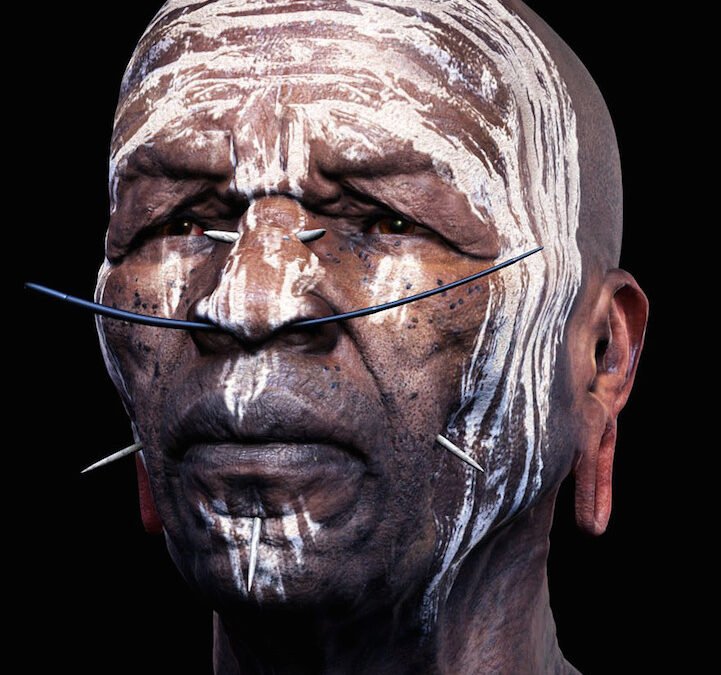
Learning how to make AI videos look less artificial is the difference between AI video that impresses and AI video that gets dismissed as “AI slop.” Viewers can spot synthetic video instantly — the too-smooth motion, the plastic skin, the uncanny uniformity — and that recognition breaks immersion. The good news: most artificiality comes from identifiable causes with specific fixes. Here’s the complete de-artificialization playbook.
Why AI Videos Look Artificial: The Causes
- Over-smooth motion: AI interpolates movement too perfectly — no micro-jitter, no natural irregularity. Real camera footage has subtle shake; real motion has organic imperfection.
- Temporal inconsistency: textures swimming, details morphing between frames, objects subtly changing. Our explainer on how video generation works details why.
- Plastic rendering: the same over-perfection plaguing AI images (our realism guide: realistic AI images) — flawless skin, ideal lighting, no grain.
- Uniform pacing: AI-generated sequences often have metronomic rhythm — no natural variation in timing and energy.
- Dead eyes and stiff faces: AI humans often have subtly wrong eye movement and limited micro-expressions — the video uncanny valley.
- Silent or mismatched audio: silent AI video screams synthetic; poorly matched audio is almost worse.
How to Make AI Videos Look Less Artificial: Generation-Level Fixes
Prompt for imperfection
Counter the beautification bias explicitly: “handheld camera, subtle natural shake,” “documentary style, unposed,” “natural skin texture,” “film grain,” “imperfect candid moment.” The same principles as photographic prompting for images — describe reality, not ideals.
Choose motion wisely
Simple, motivated motion looks natural; complex ambitious motion looks glitchy. Slow push-ins, gentle pans, environmental movement (water, foliage, crowds at distance) — these are the reliable wins. Avoid: intricate hand gestures, complex multi-person interaction, rapid complicated action. Our image-to-video guide (image to video) details motion selection.
Generate at higher quality settings
Temporal artifacts decrease with quality: more diffusion steps, higher resolutions, and better models all reduce the swimming/morphing tells. Draft cheap, render finals at maximum quality — the artifact difference is significant.
Keep clips short
Artificiality compounds with duration. Five excellent seconds beat thirty degrading ones. Our length guide (AI video length) covers the coherence-duration tradeoff — shorter clips, more cuts, better overall impression.
Post-Production: Where Artificiality Dies
This is where the real transformation happens — professional finishing that bridges the synthetic gap:
- Add film grain. The single highest-impact fix, same as images. Uniform subtle grain destroys digital perfection and unifies disparate clips.
- Camera shake and movement: add subtle handheld shake in post (or shoot plates with real camera movement and composite). Perfectly static AI footage looks generated; micro-movement looks captured.
- Color grading: cinematic grades with lifted blacks, natural skin tones, and restrained saturation. AI’s default grade is often hyper-clean digital — grade it toward film.
- Motion blur: slight motion blur on moving elements mimics real shutter behavior. AI’s too-crisp motion is a subtle tell.
- Depth of field: shallow DOF on close subjects hides background artifacts and mimics real optics simultaneously.
- Sound design: full audio — ambient beds, Foley, room tone — transforms perception more than any visual tweak. Silent video reads as synthetic; rich audio reads as real. Never ship silent.
- Editing rhythm: cut on action, vary shot lengths, use natural pacing. AI clips edited with human rhythm feel directed; strung together raw, they feel generated.
The Hybrid Advantage
The least artificial AI videos are often hybrids: AI-generated elements composited into real footage, or real footage enhanced with AI. Real camera plates provide the organic foundation (grain, movement, lighting truth); AI provides the impossible elements. This combination is how professional VFX has worked for decades — AI just made the “impossible elements” part accessible to everyone. When full AI generation looks too synthetic for a shot, consider what real elements you could shoot (even on a phone) to ground it.
What NOT to Do
- Don’t over-filter. Heavy stylization to “hide” artificiality often looks worse — obvious filters on synthetic footage compounds the fake feeling. Subtle finishing beats heavy effects.
- Don’t chase photoreal humans. Stylized characters and non-human subjects sidestep the uncanny valley entirely. Sometimes the answer isn’t better realism — it’s smarter subject choice.
- Don’t skip the audio. Worth repeating because it’s the most skipped step: audio is half the realism equation.
- Don’t use overlong clips. Know when a clip’s quality degrades and cut before it shows.
The Viewer’s Eye: What Audiences Actually Notice
Understanding audience perception helps prioritize your de-artificialization effort. Research and creator experience converge on what viewers notice most: audio quality first (bad or missing audio breaks immersion instantly), then human faces (we’re hyper-attuned to facial wrongness), then motion naturalness, then overall production polish (grading, pacing, graphics). Interestingly, viewers forgive a lot when the content itself is compelling — a fascinating AI-narrated documentary with slightly synthetic visuals outperforms a boring video with perfect production. Fix in priority order: audio, faces, motion, polish. And remember that “less artificial” doesn’t always mean “more photorealistic” — confident stylization often reads as more intentional and professional than failed realism.
For more background, see Runway’s video platform.
The Takeaway
Making AI video less artificial is a full-pipeline craft: prompt imperfection and choose simple motion at generation, keep clips short and quality high, then finish professionally — grain, camera movement, cinematic grading, motion blur, and (critically) full sound design. Consider hybrid approaches grounding AI elements in real footage. The goal isn’t fooling viewers into thinking it’s real footage; it’s making video that feels crafted rather than generated — and craft, as always, is in the finishing.




3 Comments