
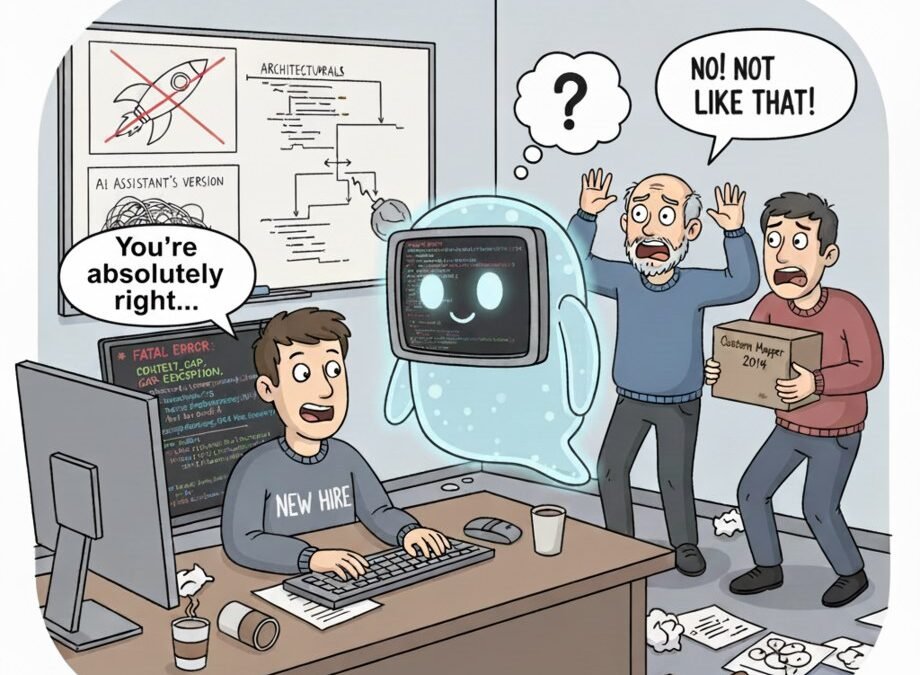
Every developer inherits it eventually: a 40,000-line codebase, zero documentation, and the original author left in 2019. The README says “TODO: write docs.” Your first instinct is despair. Your second should be: paste it into an AI. Can AI explain legacy code you did not write? Emphatically yes — and it’s one of the highest-ROI uses of these tools, because understanding old code is pure toil that AI happens to be great at.
Can AI explain legacy code you did not write? The Honest Answer
Dumping an entire repo and asking “explain this” gives you mush. Do this instead:
- Start with the map, not the streets. “Here’s the repo structure [paste tree]. What does this application do at a high level, and how do these top-level modules relate?” Get the mental model first.
- Go module by module. Feed one module at a time: “Explain what this module does, its inputs/outputs, and any non-obvious behavior. Flag anything that looks like a bug or dead code.”
- Ask about the weird parts. Legacy code is full of “why does it do THAT?” moments. Paste the weird function: “Why might someone have written it this way? What breaks if I change it?” AI is surprisingly good at reconstructing historical reasoning.
- Trace the flows. “Trace what happens when a user submits this form, across all files.” Multi-file reasoning is where modern models shine.
Provide the context the code lacks
Tell the AI the stack, the era (“this is a 2016-era Rails app”), and any tribal knowledge you’ve picked up. The more context, the less it guesses. And use a tool with real codebase context — professional developers lean on codebase-aware assistants precisely for this job.
From Understanding to Action
Explanation is step one. Step two is usually refactoring with AI assistance — now that you understand the beast, you can tame it safely. Or if the stack itself is the problem, migrating between frameworks becomes feasible once the AI has mapped the old system’s behavior for you.
Verify the explanations
AI explanations of code are usually accurate but can confidently misread tricky logic — especially concurrency, metaprogramming, and clever bit-twiddling. Treat explanations as hypotheses: run the code, add logging, confirm. Trust, but console.log.
Turning Explanations Into Documentation
Here’s the move that multiplies the value: don’t just get explanations — capture them as documentation. As the AI explains each module, have it write the docs the original authors never did. “Now write a README section for this module based on your explanation: purpose, key functions, gotchas, and what not to touch.” Review it, commit it, and you’ve permanently improved the codebase.
Go further with architecture decision records. When the AI reconstructs why something was built a certain way (“this caching layer exists because the 2019 Black Friday outage…”), capture that as an ADR. Future developers — including future you — will be grateful. Legacy codebases aren’t just missing docs; they’re missing decisions, and AI-assisted archaeology recovers both.
Make it a team habit: every time someone uses AI to understand a dark corner of the codebase, the explanation gets committed as docs. Within a quarter, the scariest parts of your system become the best-documented. It’s the rare process where the selfish act (understanding code faster) automatically produces the generous one (documenting it for everyone). The README that says “TODO: write docs” finally gets written — by the people who needed it most.
Questions That Get the Best Explanations
The quality of AI explanations depends enormously on the questions. These consistently produce gold: “What would break if I deleted this function?” — reveals hidden dependencies better than any call graph. “What’s the weirdest thing in this file, and why might it exist?” — surfaces the historical accidents. “Explain this like I’m a new hire on my first day” — calibrates the explanation to onboarding, which is usually what you actually need.
“What assumptions does this code make?” — uncovers the implicit contracts (input formats, ordering, timezone handling) that cause bugs when violated. “If you were going to rewrite this, what would you change and what would you keep?” — separates the essential from the accidental. Ask these about every module you inherit and you’ll understand the codebase faster than the people who’ve been maintaining it for years — because you’re asking questions they stopped asking long ago.
Your next step: pick the scariest module in your codebase and run the question set on it this week. Commit the resulting explanation as documentation. Future you — and every developer after you — will be grateful.
The Takeaway
Yes — AI is an outstanding legacy-code archaeologist. Feed it structure first, then modules, ask about the weird parts, and verify the surprising claims. What used to take weeks of squinting now takes days, and you’ll actually document things this time. Probably.
Tooling note: GitHub Copilot’s codebase-aware chat is built for exactly this workflow.



